Windows 10 and 11 · x64
Windows
The complete workspace, background clipboard capture, quick search, tray access, and native notifications.
Tieddr Space for every screen
Use Saves, Notes, Things to Do, Clipboard, Space Drop, Connect, Reader, and Mavis in the web app. Install desktop for background clipboard sync and quick access, mobile for capture on the move, or the extension for saving the current page.
Start in the browserOne account. Your existing content appears after sign-in.
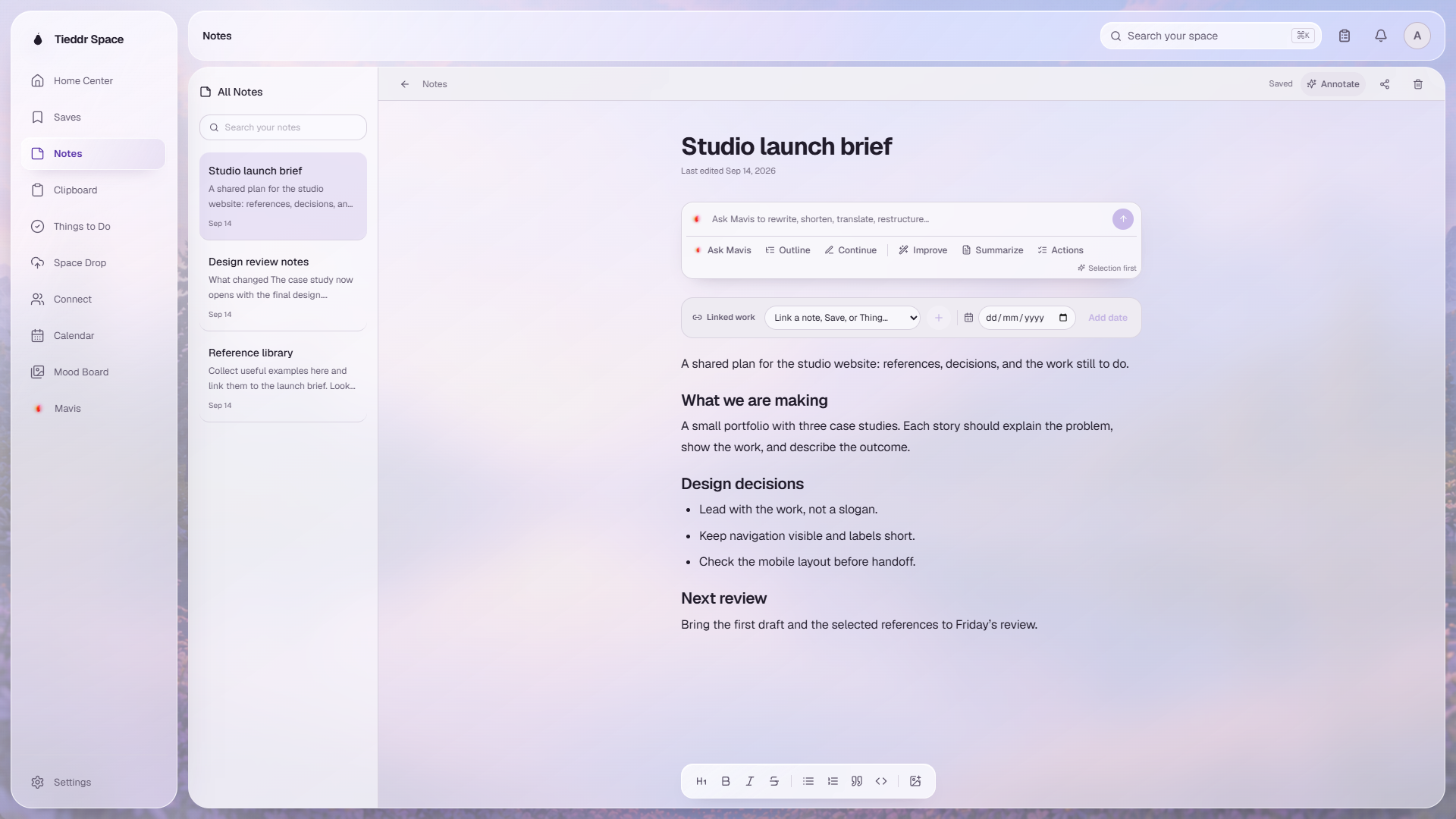
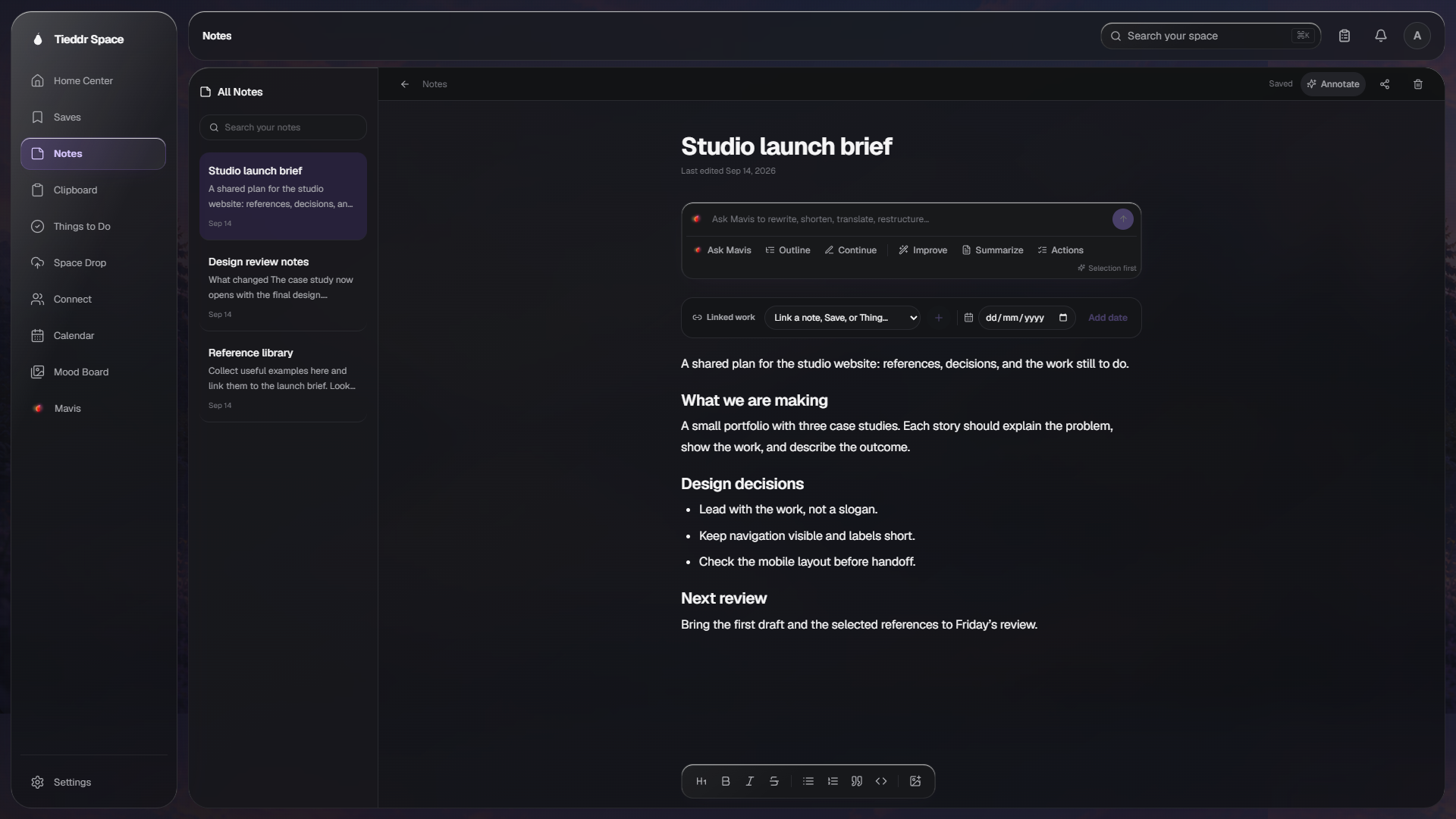
Actual desktop interface · Sample workspace
Available platforms
The complete workspace, background clipboard capture, quick search, tray access, and native notifications.
Tieddr Space on the Mac with global capture, keyboard shortcuts, clipboard sync, and the full workspace.
A portable AppImage or installable Debian build with the same Space, sync, and desktop capture tools.
Save the page you are reading, search recent Saves, and reach copied text without leaving the current tab.
Notes, Saves, Things, Share to Space, Space Drop, Universal Clipboard, and the Tieddr keyboard.
Your workspace, system share targets, Reader, Tieddr keyboard, clipboard, Drop, and chat media.
The quickest way to begin. Nothing to install, and it contains the complete Saves, Notes, Clipboard, Things, Connect, and Reader experience.
Choose Apple silicon for a Mac with an M-series chip. Choose Intel for an Intel Mac. You can check the chip under Apple menu → About This Mac.
Extract the ZIP, open your browser’s extensions page, enable Developer mode, then choose Load unpacked and select the extracted extension folder. The ZIP is not a store installation.
The mobile apps are not listed here as published store releases yet. The web app is available while you wait; do not download an installer from an unofficial source.
Your account syncs content, not visual clutter. Each app presents the same data in a form suited to its screen.