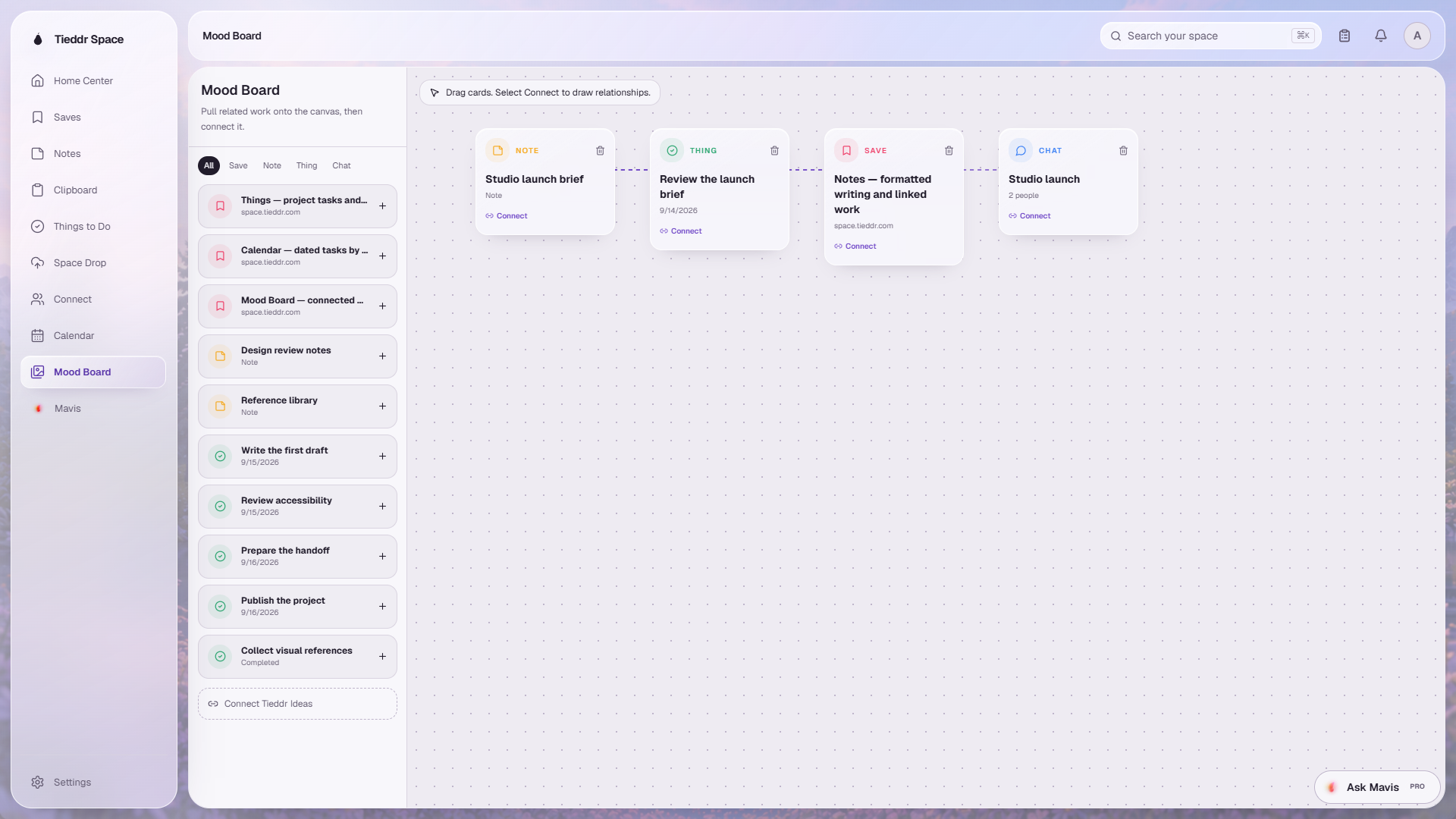
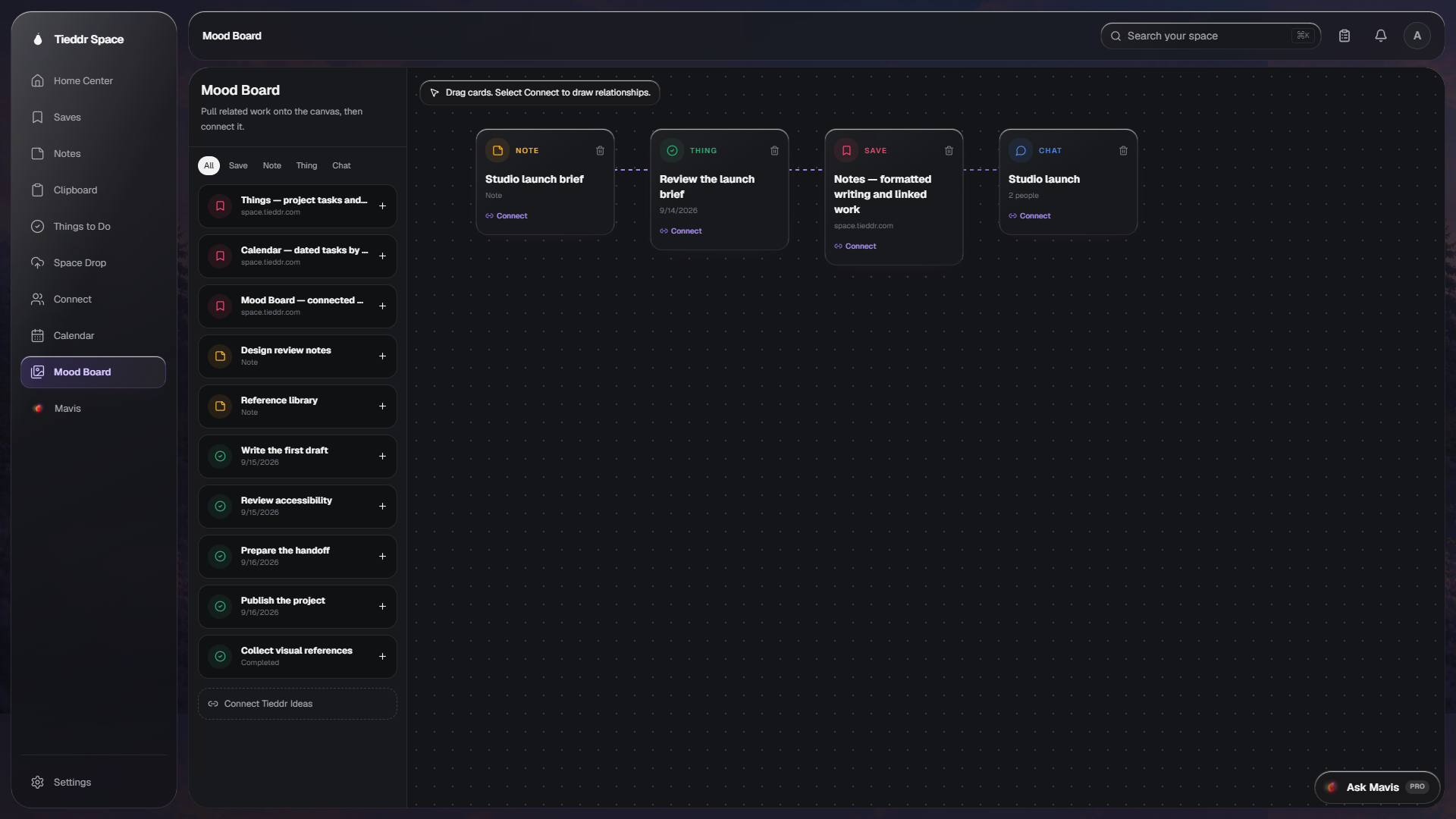
One workspace · Web · Desktop · Browser · Mobile

Save it anywhere. Reach it everywhere.

Stop losing links between tabs, notes between apps, and clipboard history between sessions. Tieddr Space is one workspace for your bookmarks, notes, to-dos, and clipboard — captured in a single place, kept organized, and synced everywhere. Mavis, the assistant built into search, finds it all.

Free forever — no card requiredSet up in under a minuteWorks on web, desktop, browser, and mobile
The core

Three tools you live in. One place.

Bookmarks

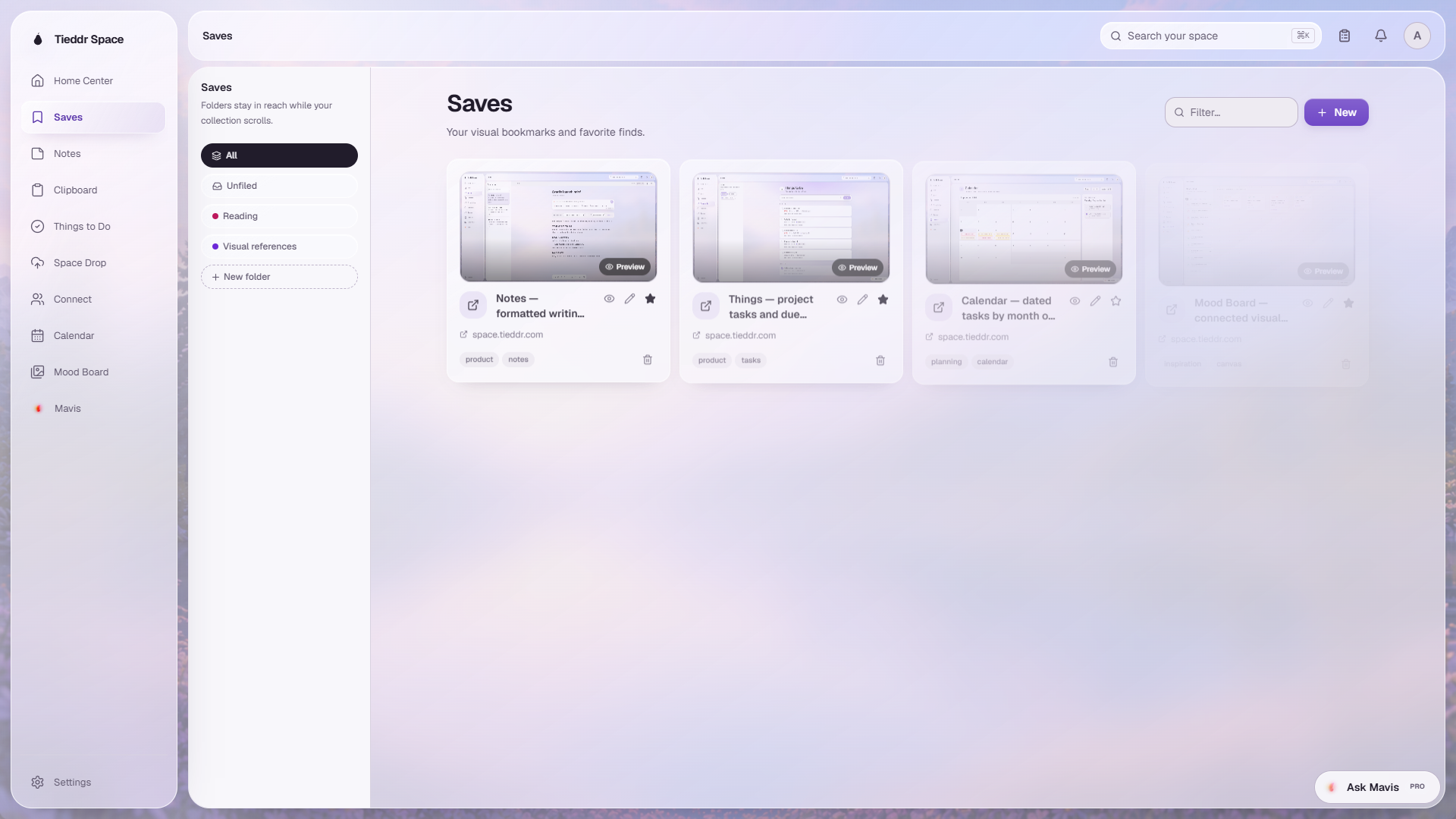
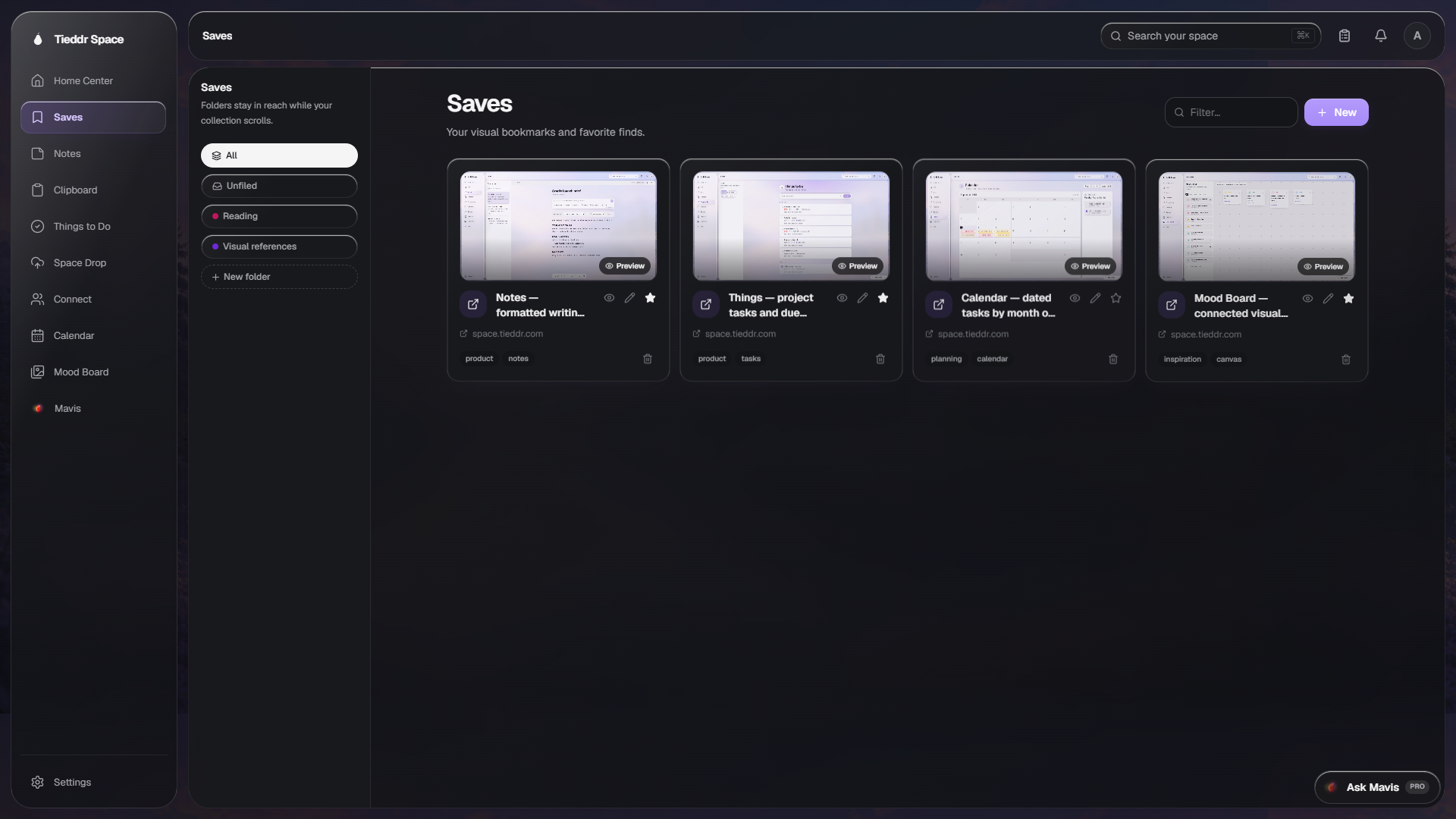
Links scattered across tabs and apps get lost. Paste one — it's saved with the page's real title and favicon. File it, tag it, or let Mavis sort it.

Auto-fetch titlesFaviconsFoldersTags

Notes

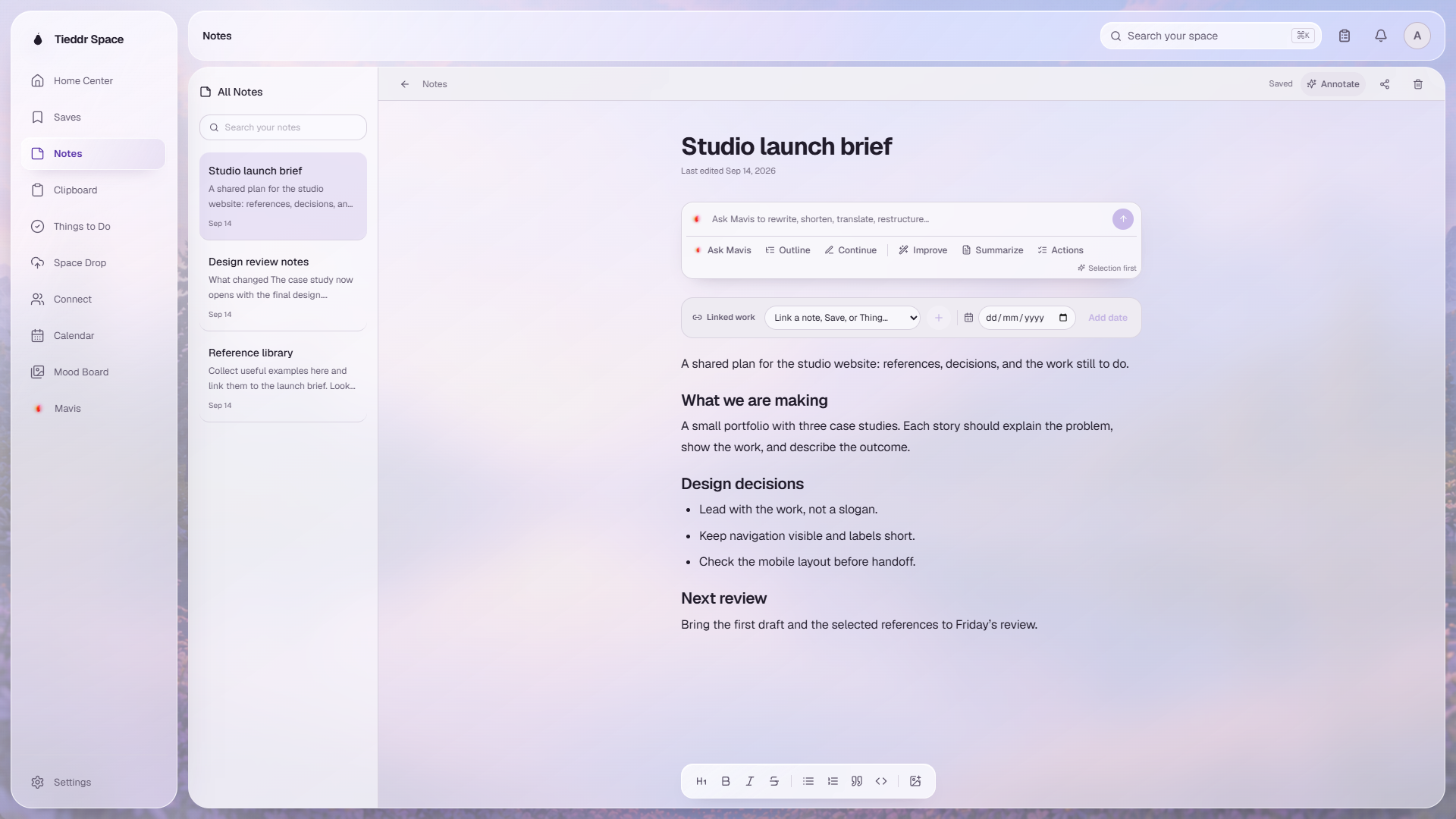
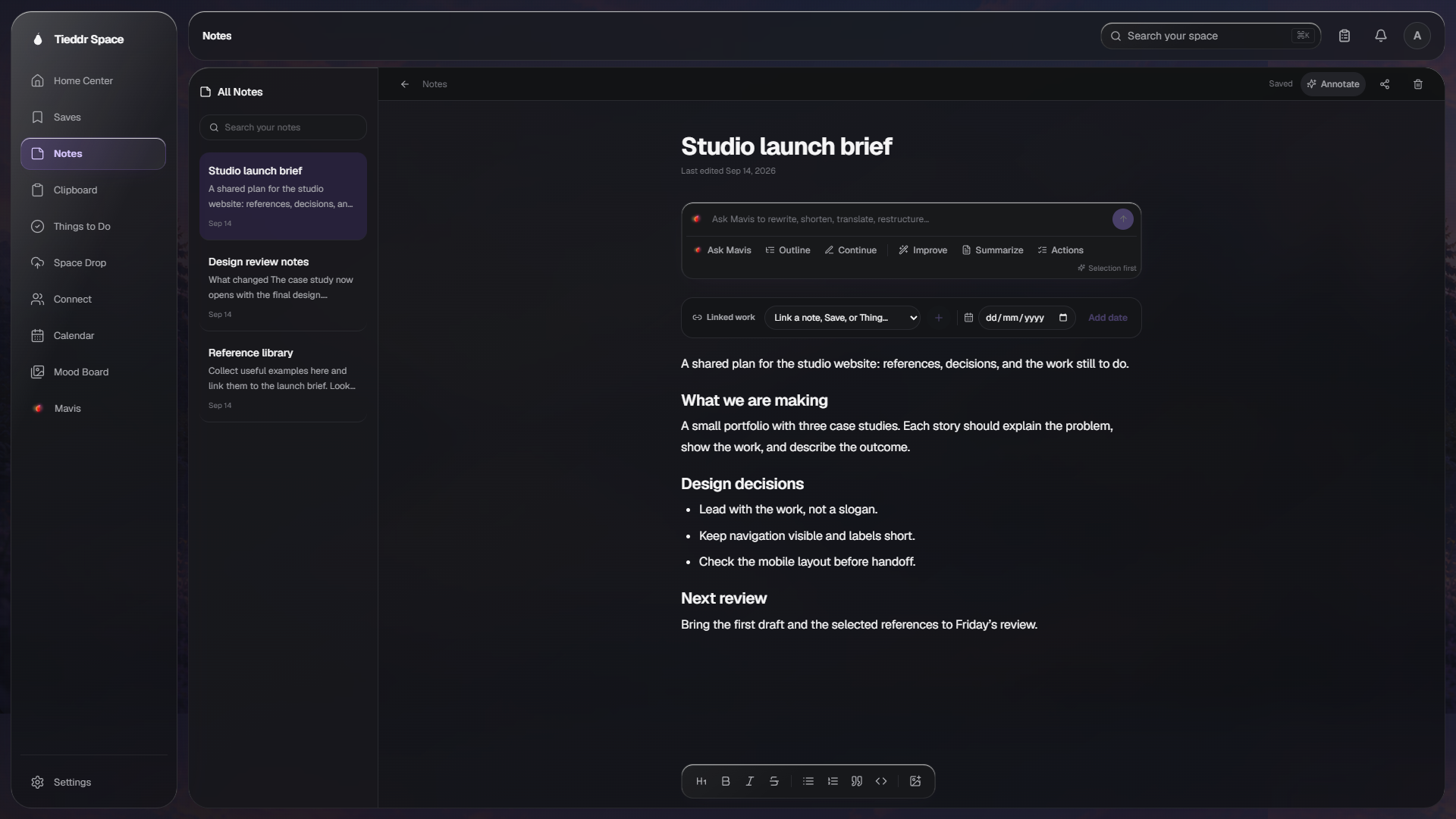
Notes that save the instant you type. No save button, no lost drafts. Share one by email and edit it together, live.

Clipboard

Copy something, switch tabs, and it's gone. Everything you copy is saved to a searchable history — older items clear on their own.

Growing community of early usersNo credit card requiredFree forever plan available
Meet Mavis

Ask Mavis. It knows your space.

Mavis lives in your search bar. Ask it to summarize a note, fix a title, tag a bookmark, sort a mess of links into folders, or dig up something you saved months ago. Short answers, no chatter. Type or talk.

Built into searchType or speakShort, direct answers
Ask Mavis
sort my design links
Mavis

Done — I filed 4 links into a new ‘Design’ folder and tagged them. Here’s what I found:

F
Figma Design System
figma.com
Design
Design tokens spec
Note · Design
Design
See it in action

The real interface, up close.

Bookmarks

Links lost between tabs and apps get saved with one paste — real titles, real favicons, no manual entry. Tag, file, or let Mavis sort.

Bookmarks
AllDev ToolsReading
G
GitHub
github.com
toolsreference
S
Stack Overflow
stackoverflow.com
debuggingqa
M
MDN Web Docs
developer.mozilla.org
apiweb
R
React
react.dev
reactui

Notes

No more lost drafts. Notes save the instant you type — share one and edit it together, live.

Notes

Notes

Q3 Marketing Strategy

Outline the digital campaigns, budget allocation, and timeline for launching new features this quarter. Prioritize paid social and lifecycle email…

Projects

Weekly Standup Notes

Shared

Action items from Monday sync: review API metrics, schedule design review, unblock the billing migration, and confirm the Q3 roadmap owners…

1 day ago

Book: Atomic Habits

Key takeaway: small changes compound. Apply habit stacking to the morning routine — after coffee, write for ten minutes before any notifications…

Personal

Team Retrospective

Shared

Went well: faster deploys, better testing coverage, calmer on-call. Improve: fewer meetings, document decisions in writing, tighten PR review SLA…

2 days ago

Clipboard

Copy something, switch tabs, and it's gone. Every copy is saved to a searchable history — stale items clear themselves.

Clipboard
Auto-capturing
Recent · last 24 hours
ssh-keygen -t ed25519 -C "dev@tieddr.space"
copied 2m ago · clears in 23h
https://docs.anthropic.com/claude/reference/getting-started
copied 18m ago · clears in 23h
{"model":"claude-opus-4","temperature":0.7}
copied 41m ago · clears in 23h
Follow up with Sarah about the Q4 roadmap by Friday
copied 1h ago · clears in 22h

Things

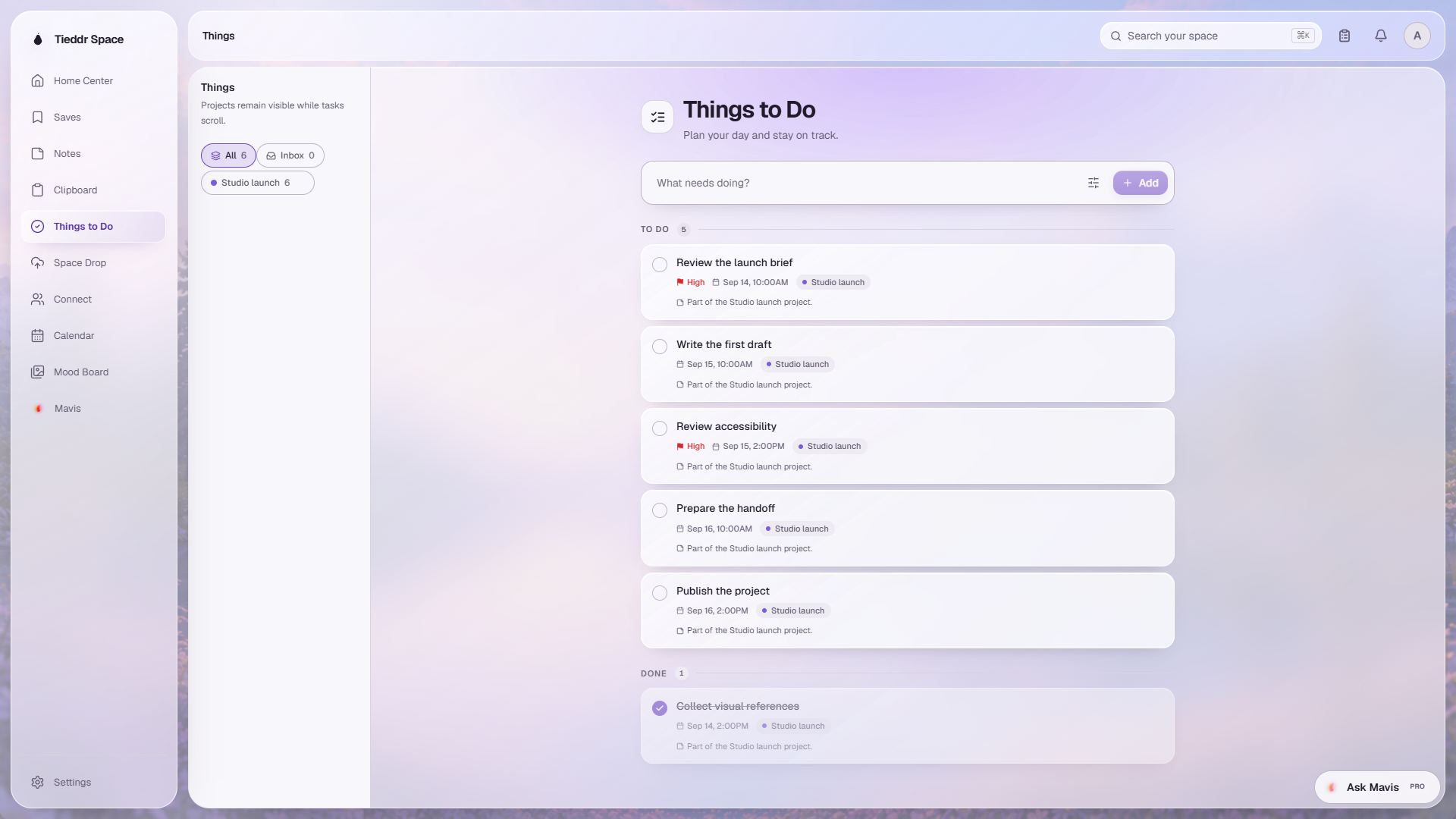
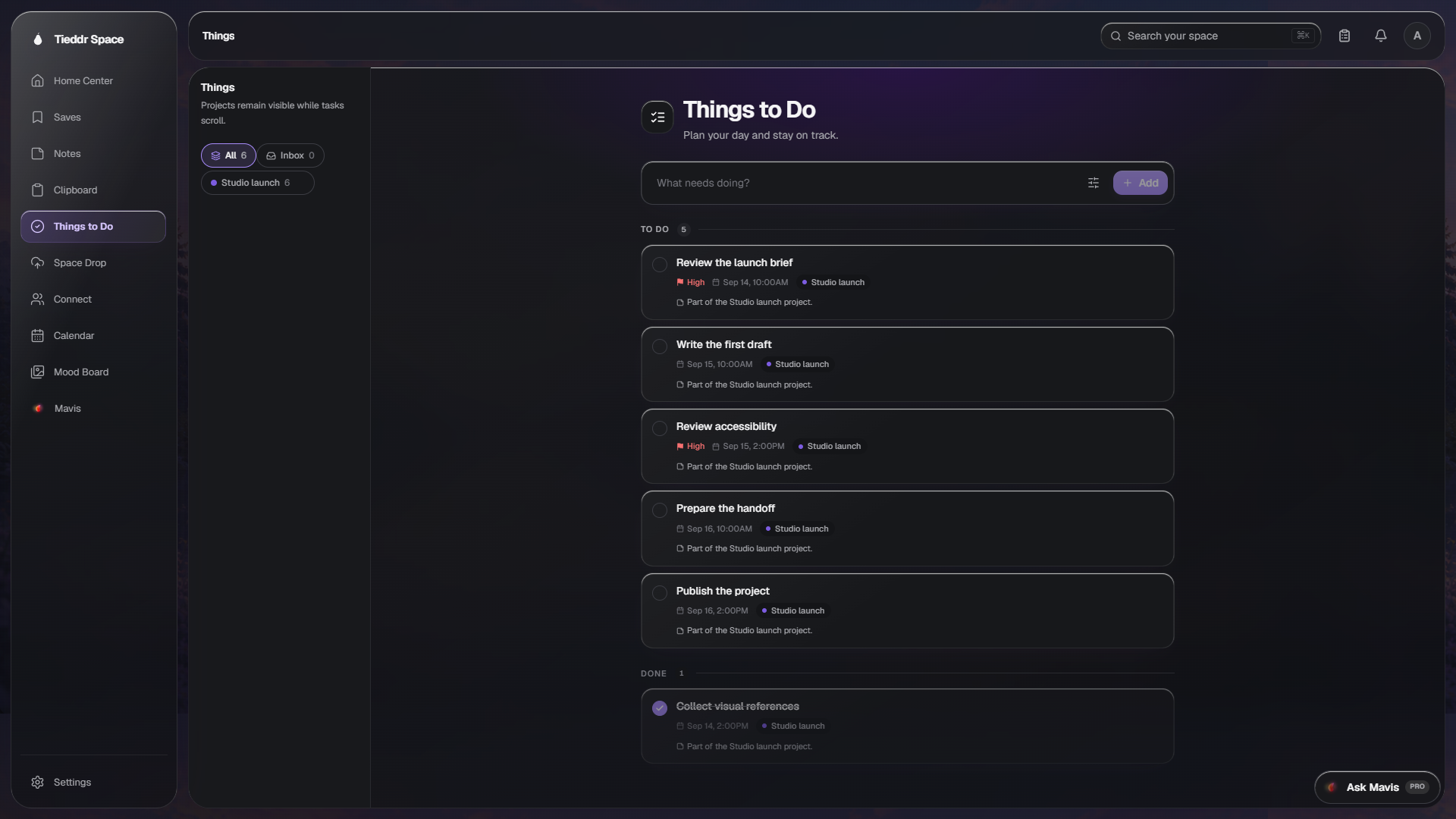
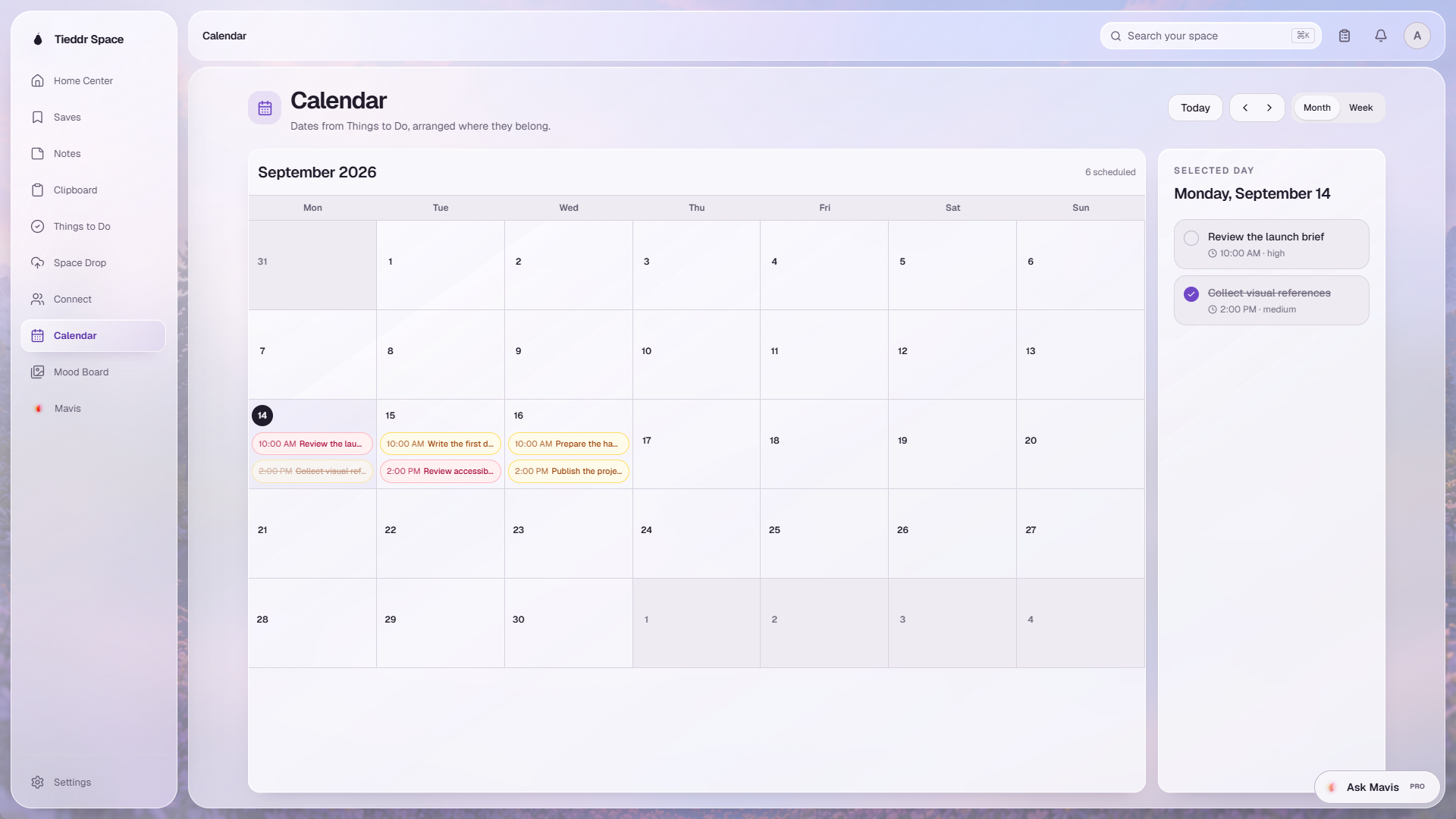
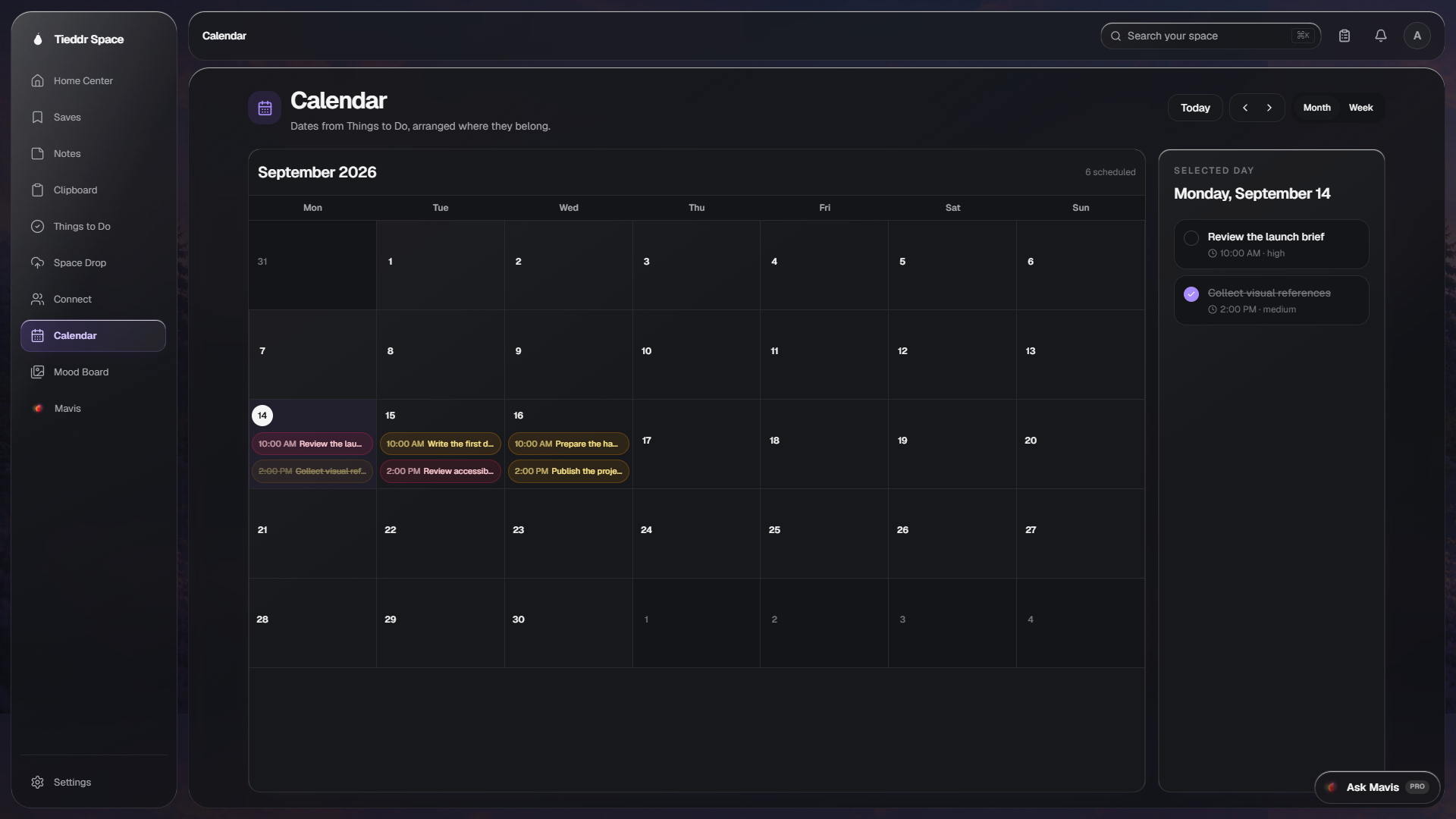
To-dos with projects, due dates, and reminders that surface right in your browser — so nothing slips through the cracks.

Things
All
Inbox
Web Design
Marketing
Fitness
What needs doing?
To do · 3
Finish homepage redesign
HighJul 8, 2:00 PMWeb Design
Review email campaign
MediumJul 6, 9:00 AMMarketing
Complete Q3 report
HighJul 7, 5:00 PMInbox
Done · 1
Write project proposal
MediumJul 3

Connect

Stop switching between Slack, email, and DMs. Find people, connect, and share files, bookmarks, and notes in one place.

Connect
SL
Sarah Lim
@sarah_lim
Active
Today
SL
Hey! I found that design system doc you mentioned
2:14 PM
Oh perfect, thanks for digging that up!
2:15 PM
SL
Figma Design System
The components are really well organized
2:16 PM
Love how they documented the color tokens
2:18 PM
SL
component-specs.pdf
Sent the full spec sheet too
2:19 PM
Ready to start building tomorrow
2:21 PM
Message Sarah…

Space Drop

Send a file or link to yourself or someone you've connected with. It self-destructs after 24 hours — no clutter.

Space Drop

Space Drop

Send to

You
SJ
MK

Drop files or paste a link

up to 100MB · clears in 24h

Inbox3

Q4_Financial_Report.pdf

From Marcus Chen · 2.4 MB

expires 23h 47m

project_demo_v2.mp3

From Sarah Jones · 8.6 MB

expires 22h 31m

github.com

From you · link

expires 21h 12m
More features

Everything else it does.

Space Drop

Send a file or link to yourself or someone you've connected with — it self-destructs after 24 hours. No clutter.

Connect and chat

Stop switching between Slack, email, and DMs. Connect with people and share files, bookmarks, and notes in one thread.

Things

To-dos with due dates and reminders that surface right in your browser — so nothing slips through the cracks.

Search

Find anything — bookmarks, notes, to-dos, clipboard, people, chats — by typing or speaking. No more digging.

The clipboard

Copy now. Find it later.

Your system clipboard is a black hole — copy something, switch tabs, and it's gone. Most clipboard managers just create a junk drawer. Ours stays useful: everything you copy is saved and ready to paste, with stale items clearing themselves so it never turns to clutter.

  1. Recent· Just copied

    Up front for 24 hours, one paste away.

  2. Older· After a day

    Tucked into a 7-day shelf, still searchable.

  3. Cleared· After a week

    Clears on its own — nothing to tidy up.

Write notes together. Without the tab gymnastics.

Stop emailing drafts back and forth or sharing Google Docs links. Invite someone to a note by email — view or edit, with each other's edits appearing live, and a heads-up whenever they change something.

Edit at the same timeView or edit accessChange notifications
Where you can use it

Wherever you work, it's already there.

All downloads
Any browser

Web app

The full app in any browser — nothing to install, and in sync with every other device the moment you sign in.

Open the web app
Windows · macOS · Linux

Desktop

A native app with a global Spotlight, background clipboard capture, and one-click import of your browser bookmarks.

See desktop apps
iOS · Android

Mobile

Your whole space on your phone, with a custom keyboard that drops your clipboard and bookmarks into any app. In beta.

See mobile apps
Chrome · Edge

Browser extension

Save the page you're on and reach your clipboard right from the browser toolbar.

Get the extension

Tie it all together.

Stop juggling four apps for bookmarks, notes, to-dos, and your clipboard. One free account — a minute to set up, free forever.

Start for free
No card requiredCancel anytime