Save a link from where you find it
Add a URL in Space or use a supported browser extension to send the current page to Saves.
Saves in Tieddr Space
Save websites, videos, and media with a useful title and visual preview, then organize them without losing the original link.
Open your Space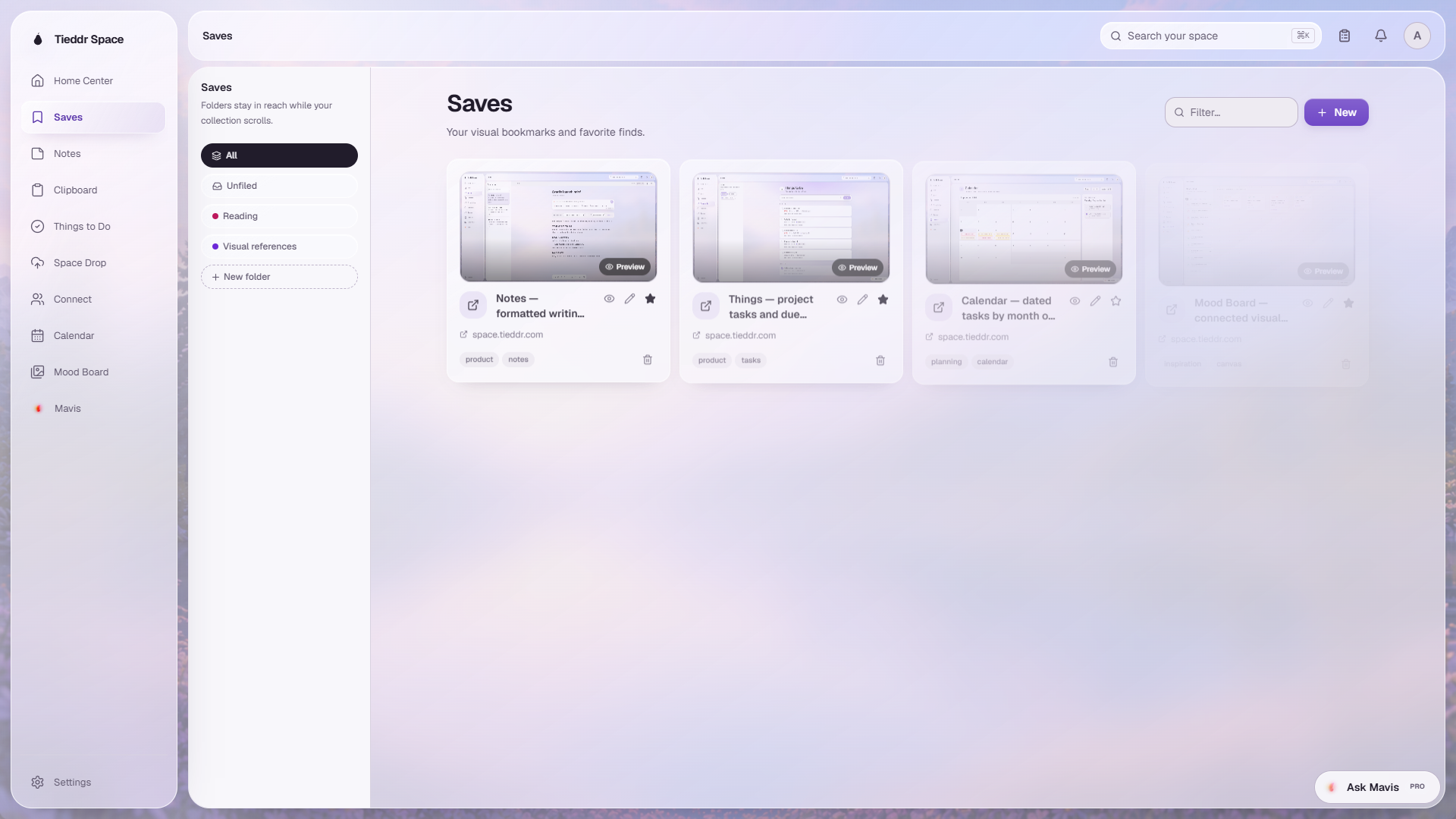
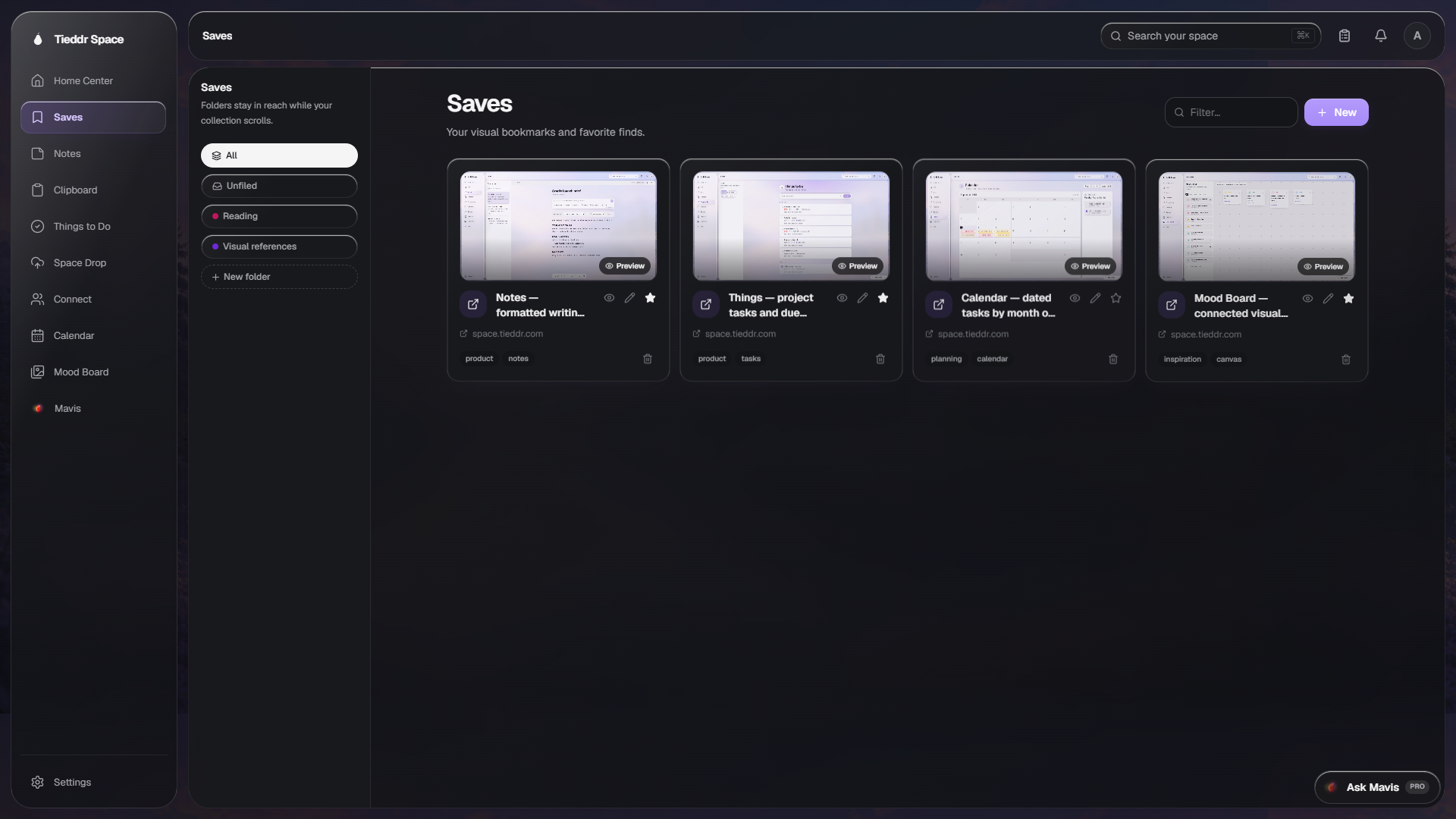
Actual app interface · Sample workspace · Select the image to inspect it full-size
Add a URL in Space or use a supported browser extension to send the current page to Saves.
Space retrieves the page title and available preview image. If a site blocks previews, the original link remains available.
Keep folders fixed beside the collection, search saved items, mark favorites, and open either the live page or Reader when extraction is supported.
No. Space uses metadata supplied by the website and a screenshot fallback. Sites can block previews or article extraction, so opening the original page is always kept as a separate action.