Organize tasks by project
Create projects and select them from the fixed sidebar to filter the task list.
Things in Tieddr Space
Create tasks, organize them by project, and keep supporting notes and links attached.
Open your Space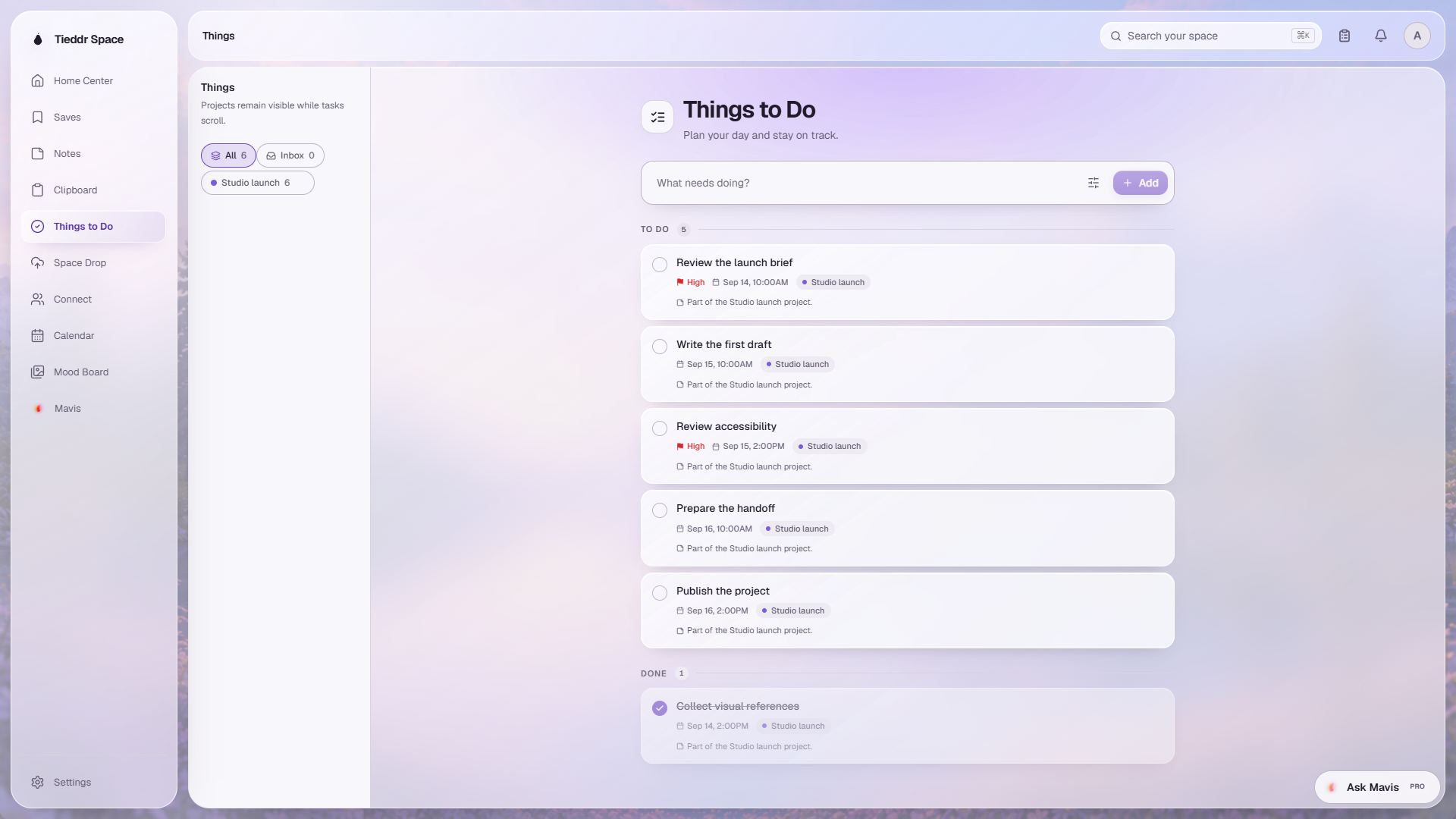
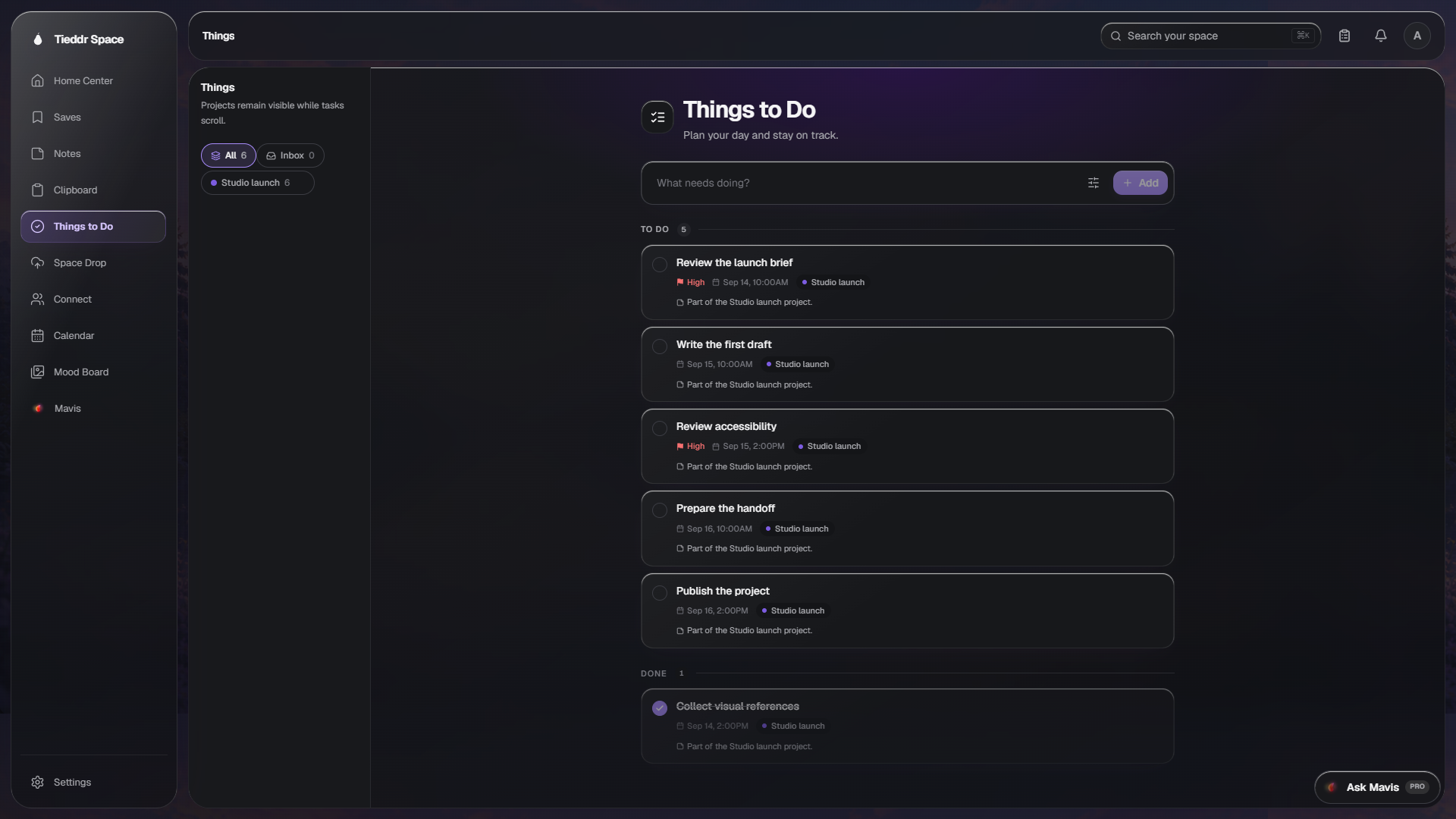
Actual app interface · Sample workspace · Select the image to inspect it full-size
Create projects and select them from the fixed sidebar to filter the task list.
Add a priority and date, then filter the list to find current or upcoming work.
Add notes and links to a task so its requirements remain available from the task view.
Calendar displays dated tasks in month and week views. Select a day to inspect its scheduled items.