Format text and add media
Use headings, lists, quotes, code blocks, links, and images in the note editor.
Notes in Tieddr Space
Format notes and connect them to related Saves, tasks, dates, and other notes.
Open your Space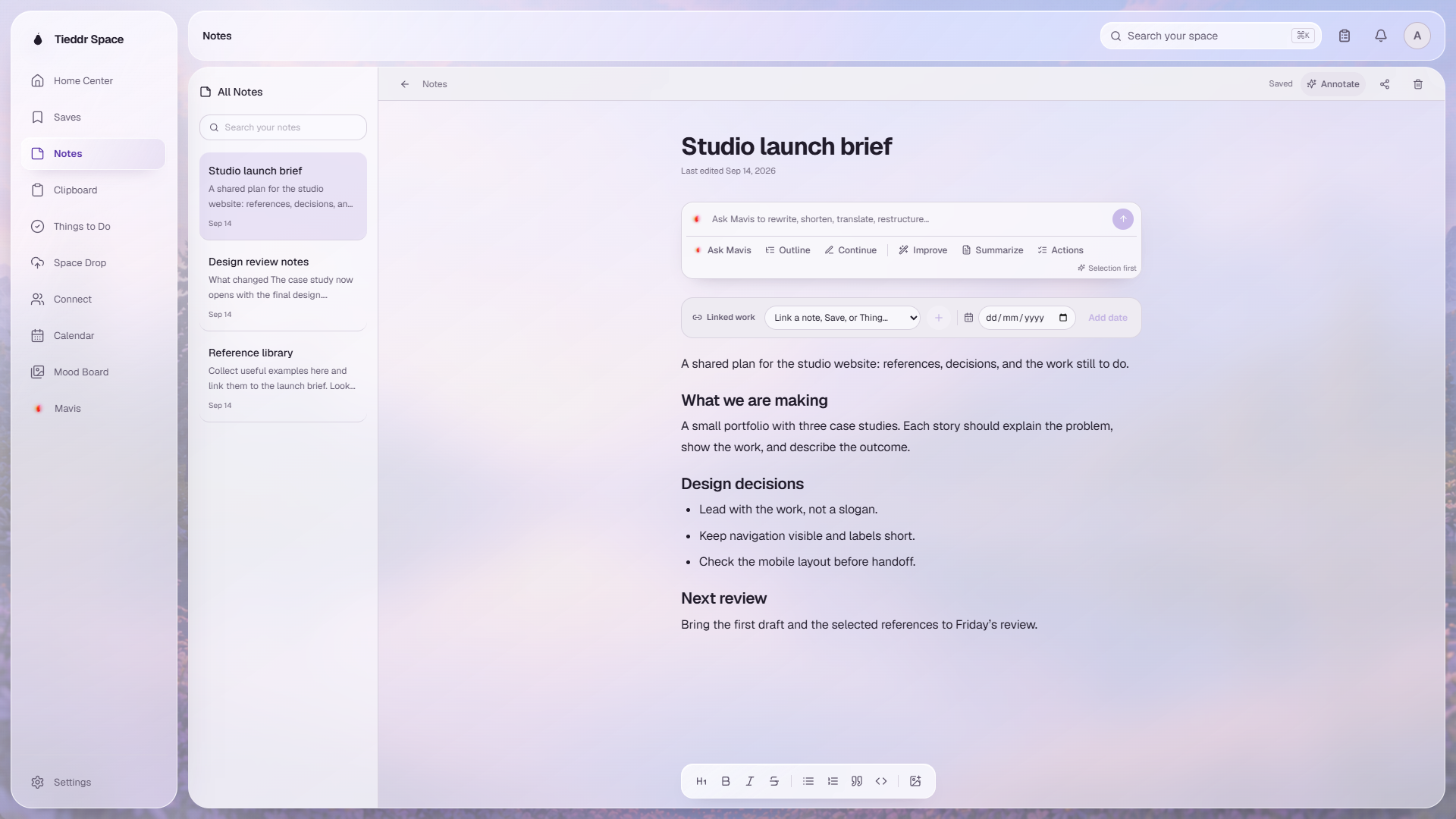
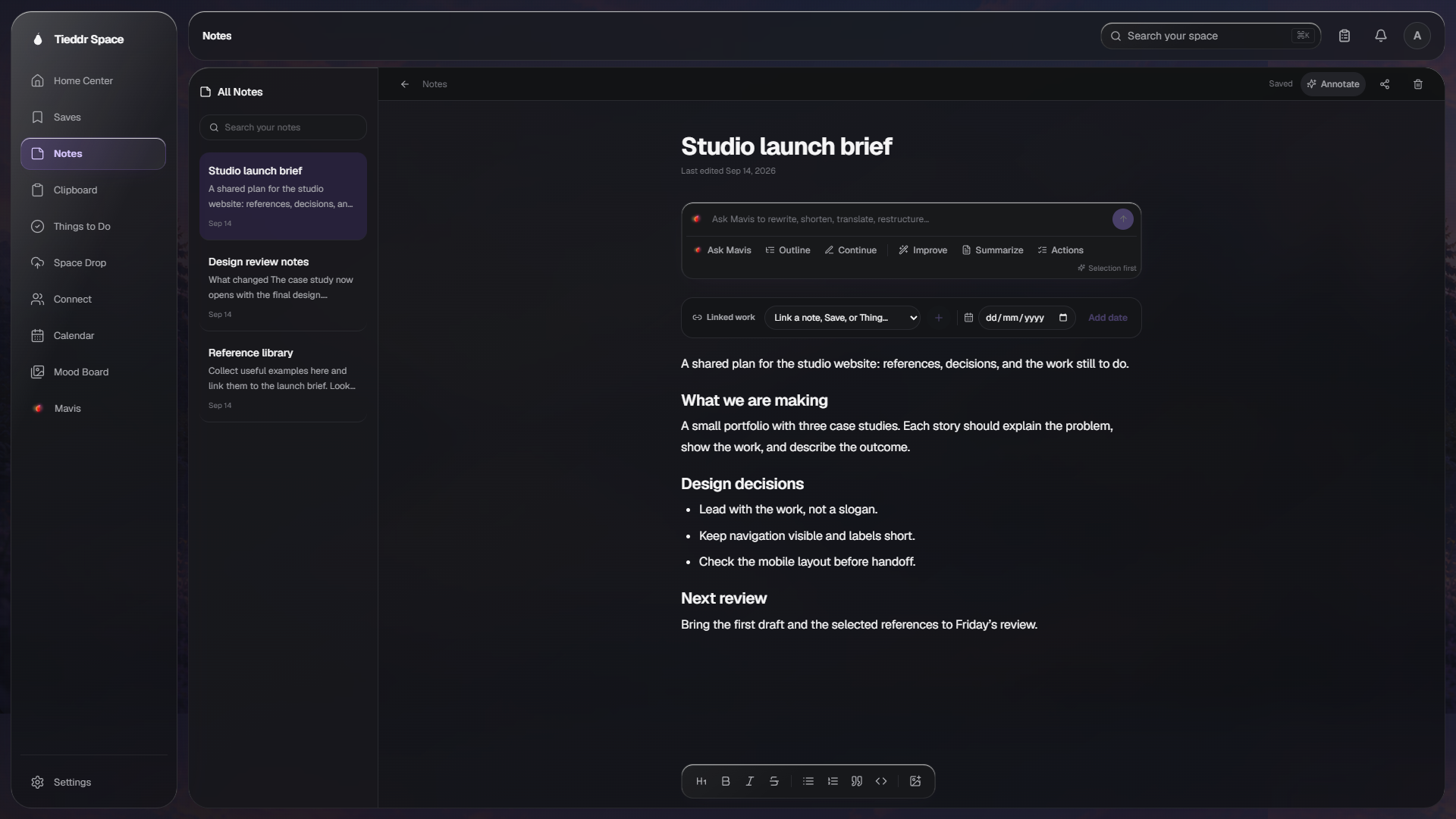
Actual app interface · Sample workspace · Select the image to inspect it full-size
Use headings, lists, quotes, code blocks, links, and images in the note editor.
Attach another note, a Save, a task, or a date from the linked-content controls.
Request an outline, summary, continuation, or rewrite. Review proposed changes before relying on them.
Sign in to the same Tieddr account to access your notes. Editing features and system integrations vary by app and platform.