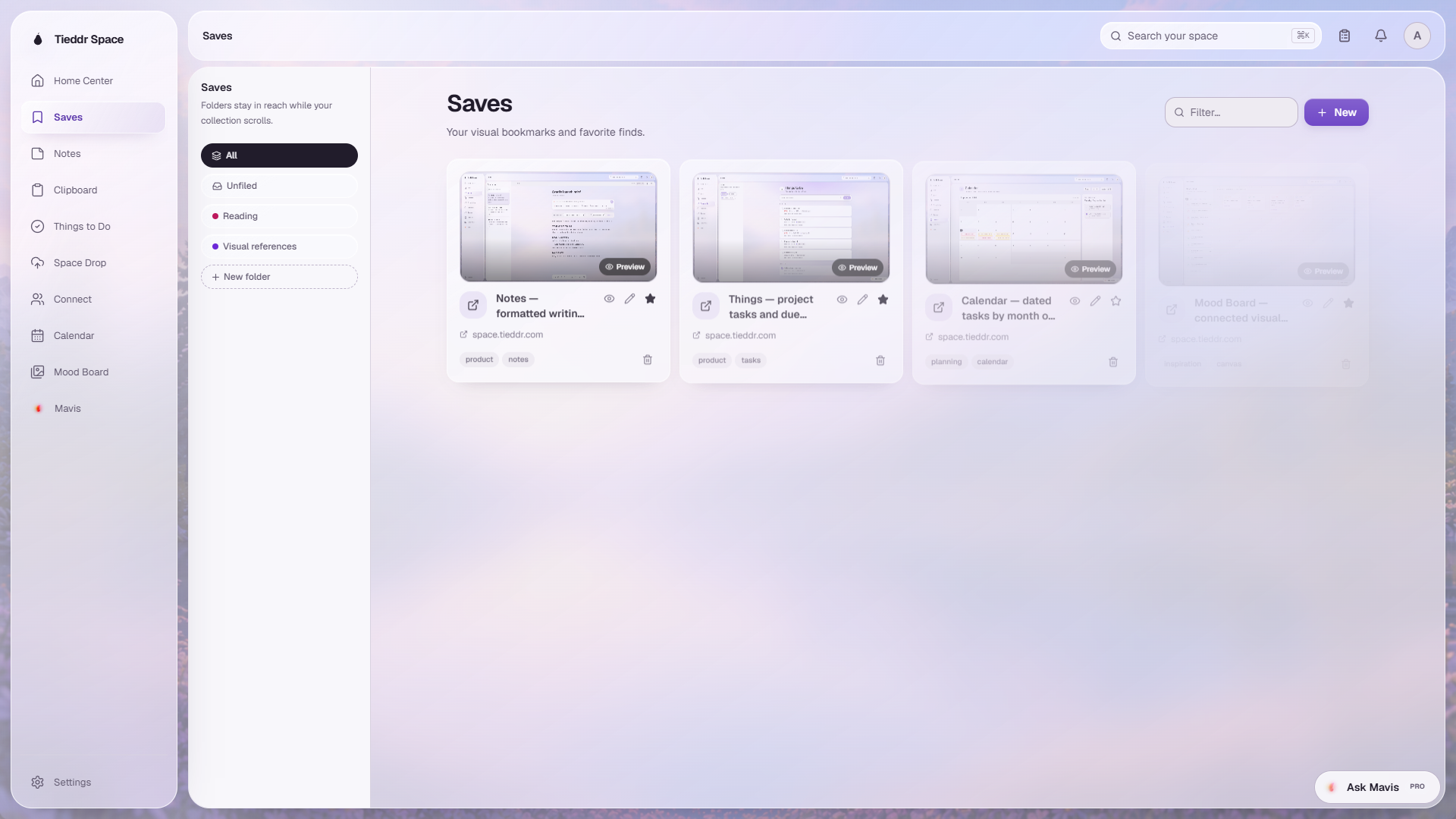
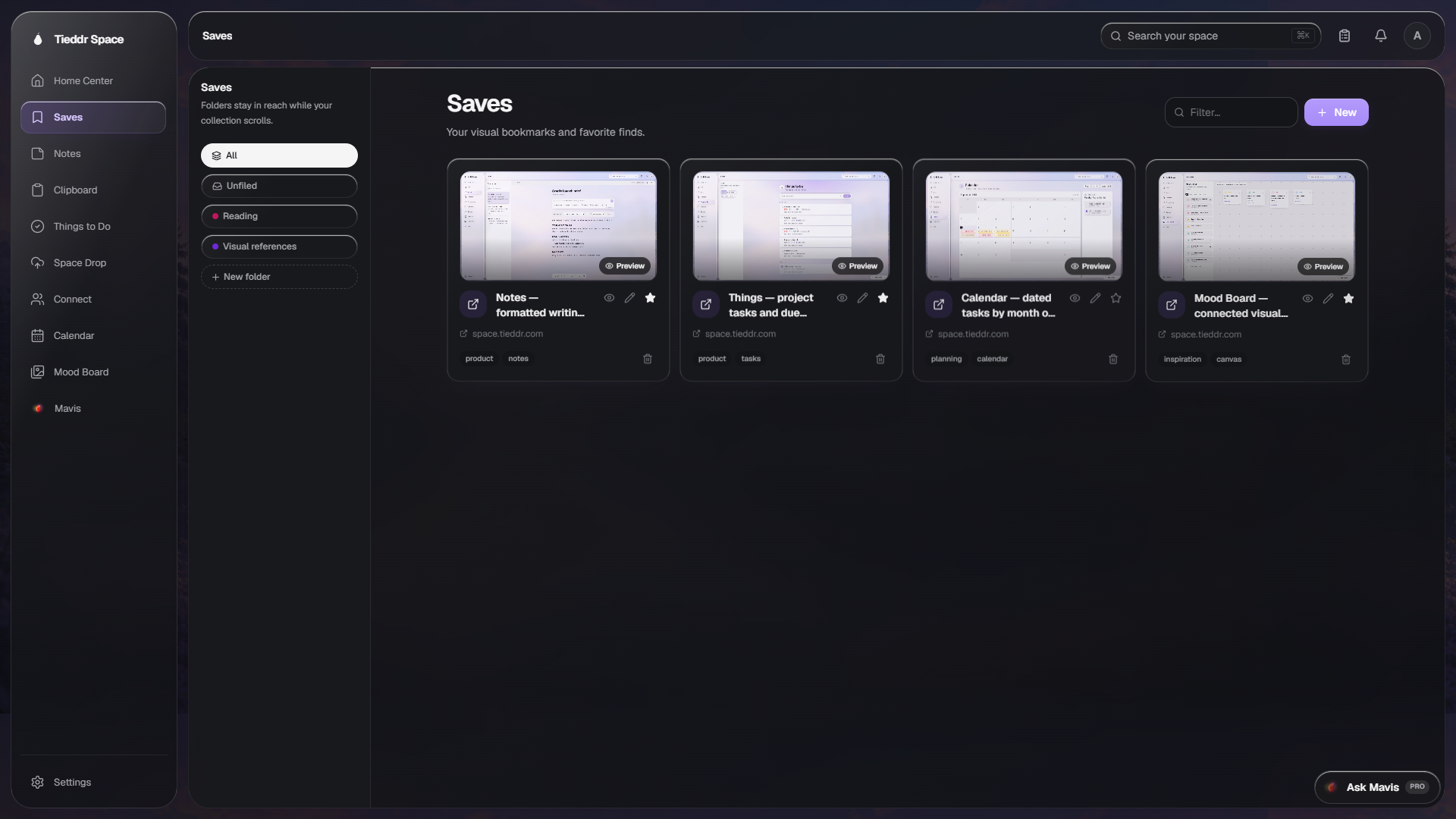
Saves
Visual bookmarks with folders, previews, and favorites
Save websites, videos, and media with a useful title and visual preview, then organize them without losing the original link.
Explore SavesTieddr Space features
Use Saves, Notes, Clipboard, Things, Calendar, Mood Board, Connect, Space Drop, and Mavis from the same workspace. The walkthroughs below show the current interface and supported behavior.
View supported appsEach page shows the current interface, available controls, and known limitations.
Save websites, videos, and media with a useful title and visual preview, then organize them without losing the original link.
Explore Saves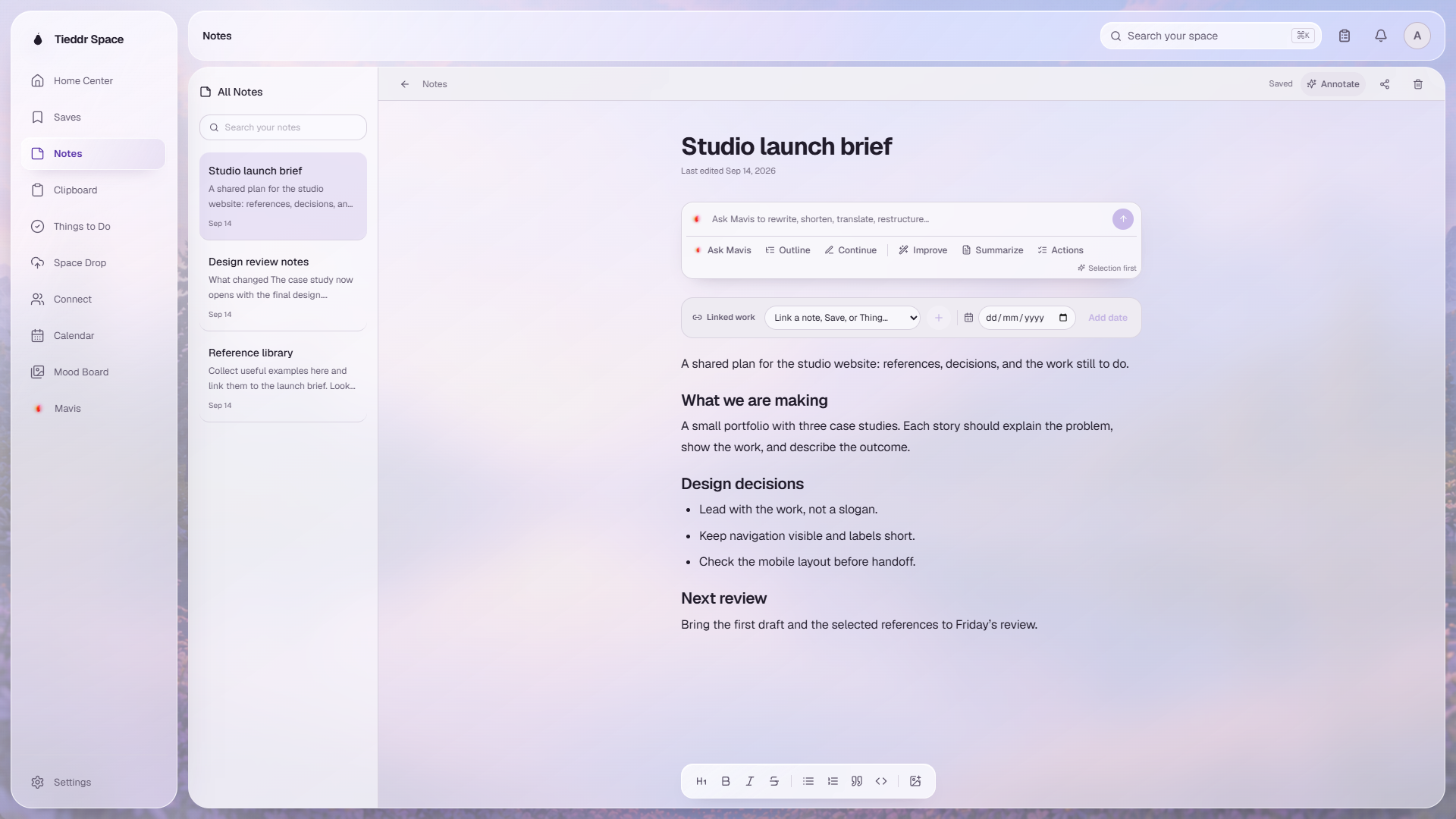
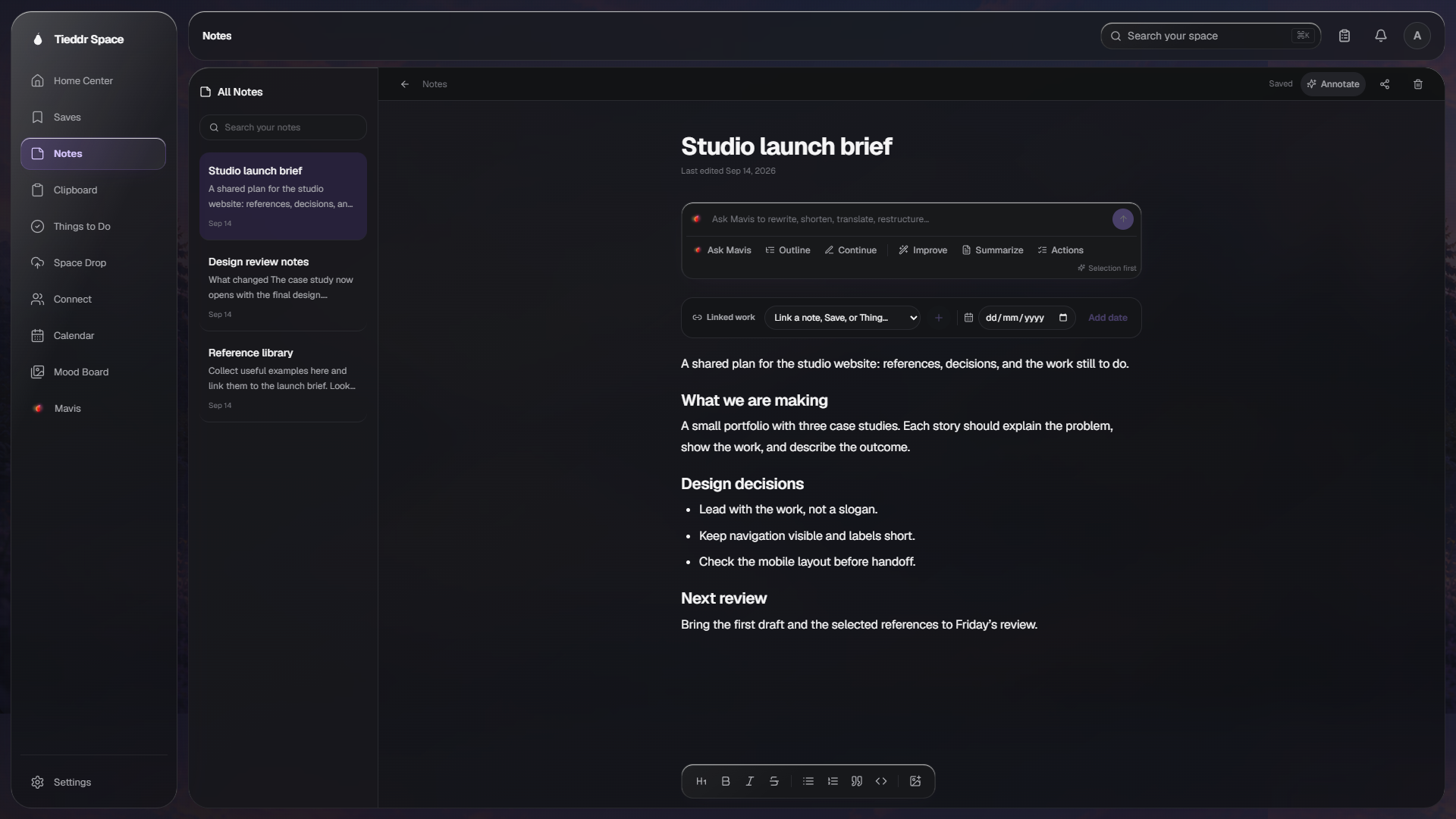
Format notes and connect them to related Saves, tasks, dates, and other notes.
Explore Notes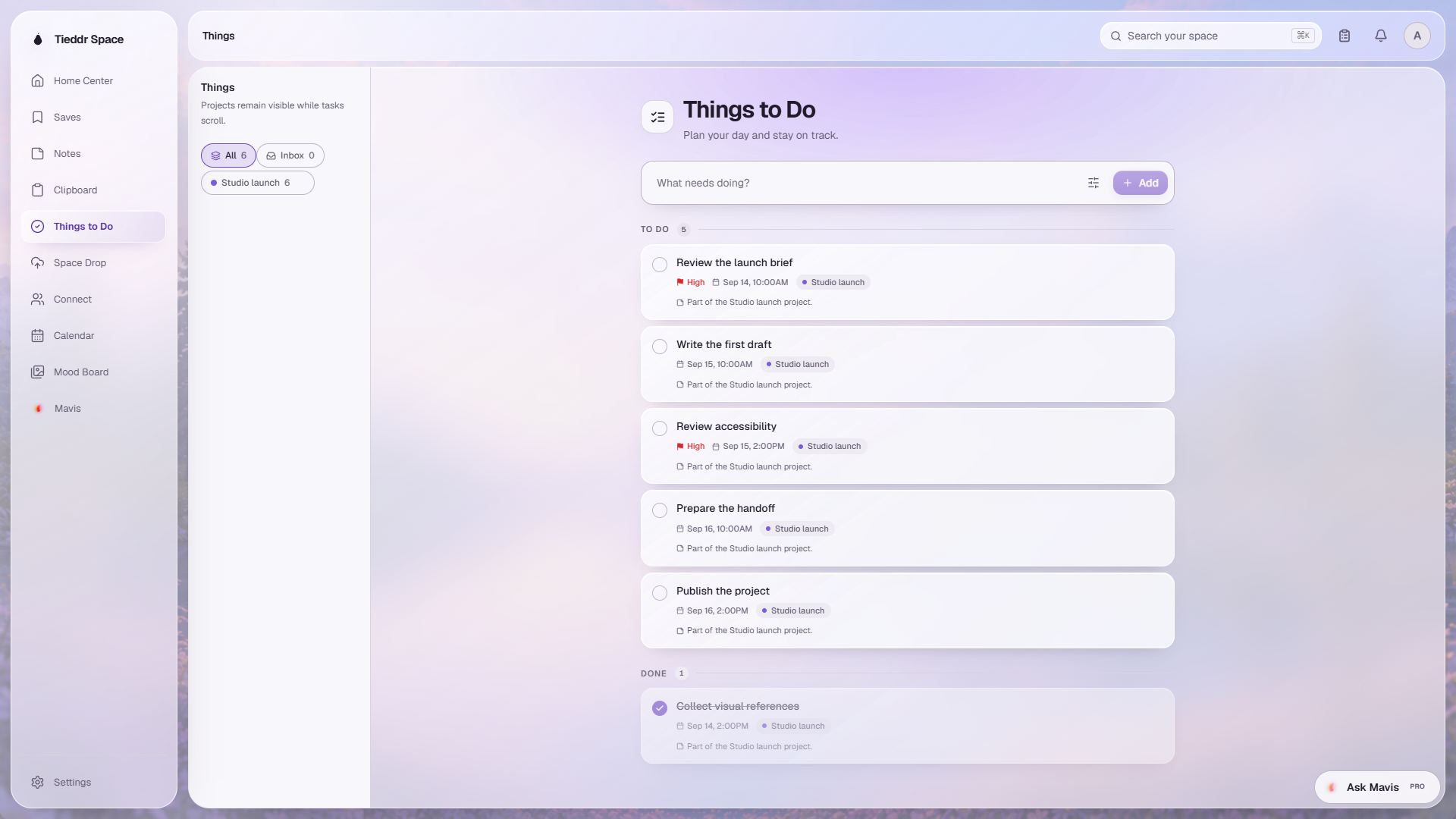
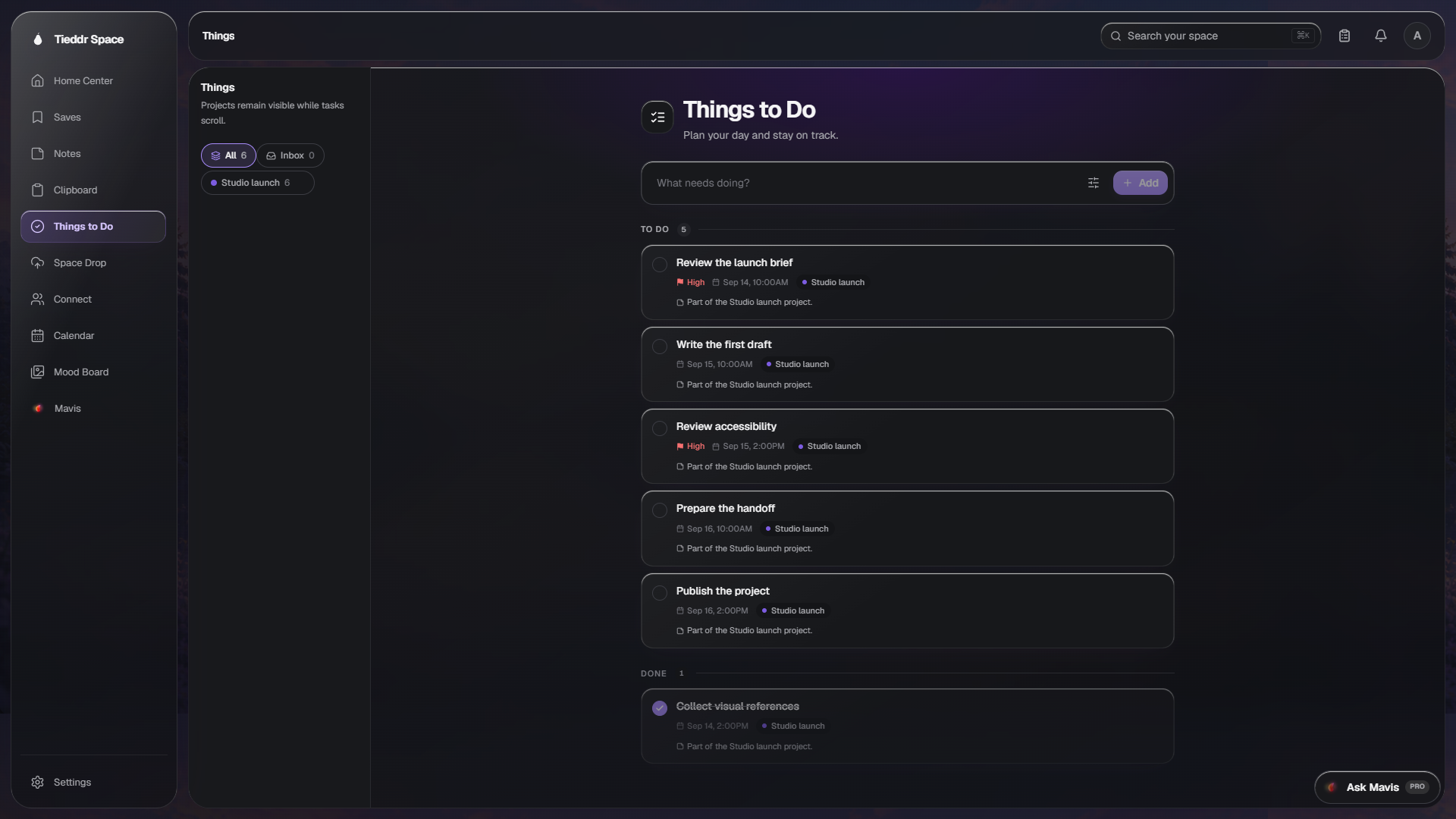
Create tasks, organize them by project, and keep supporting notes and links attached.
Explore Things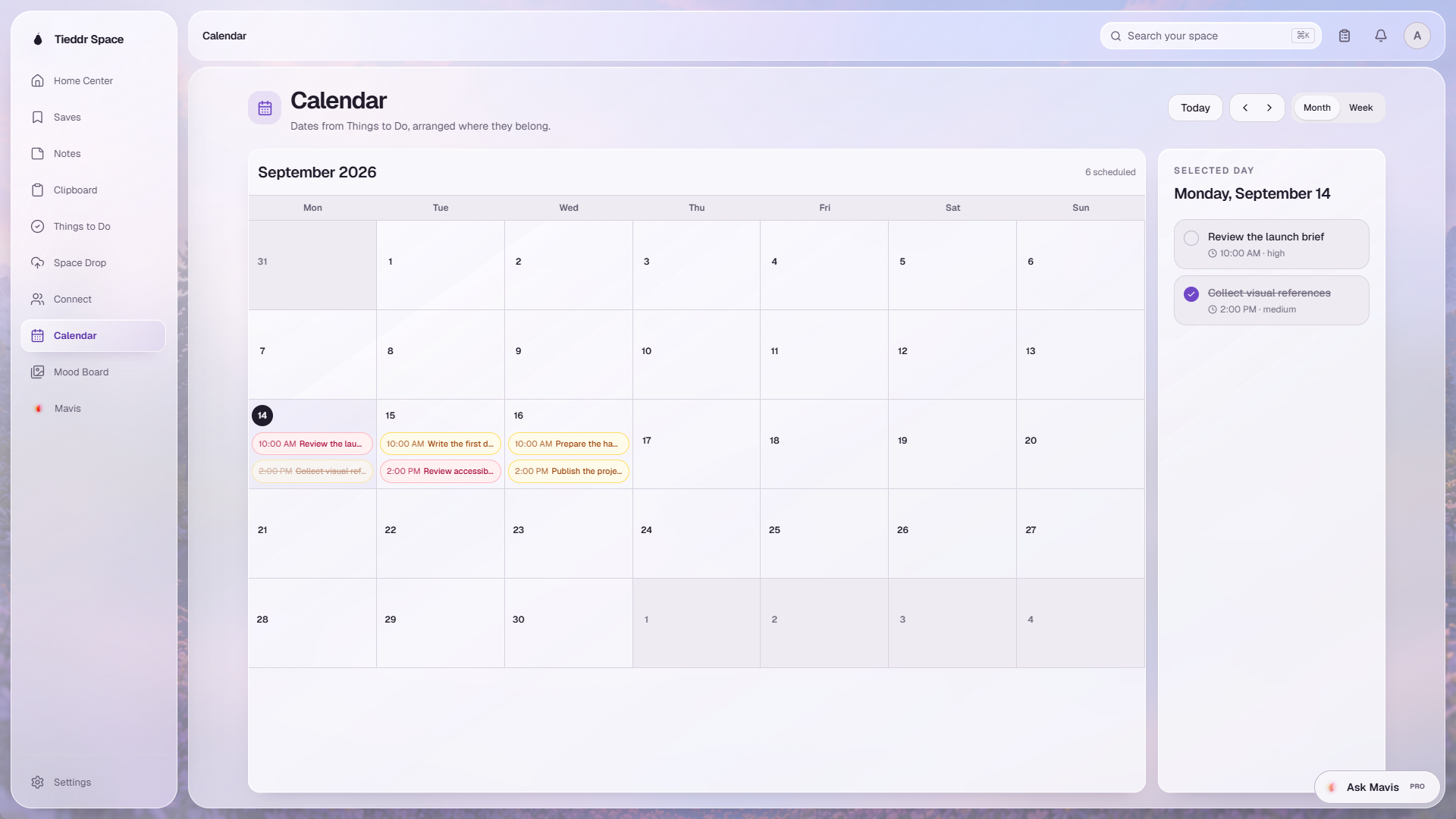
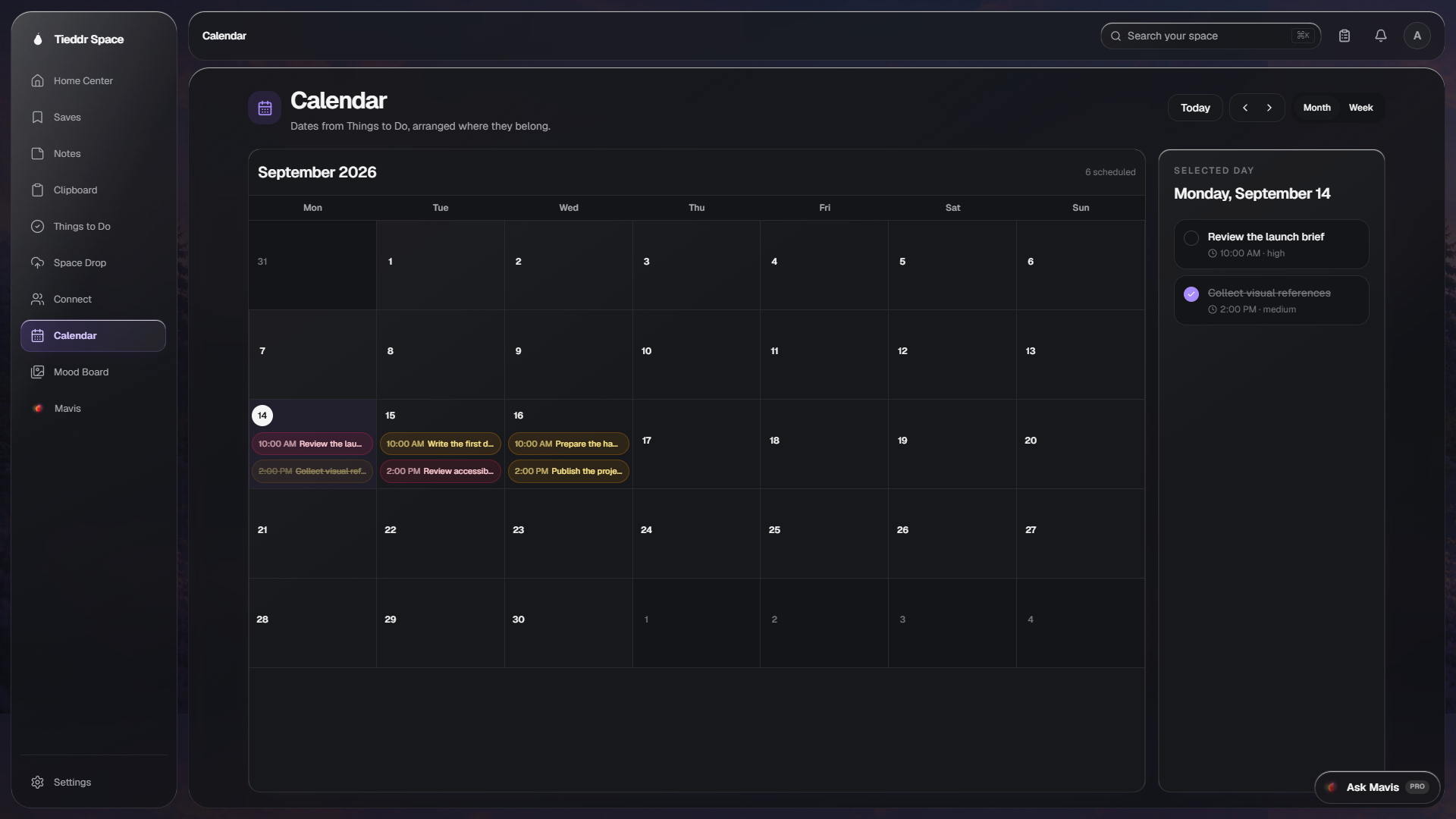
View task deadlines on a calendar and inspect the items assigned to a selected date.
Explore Calendar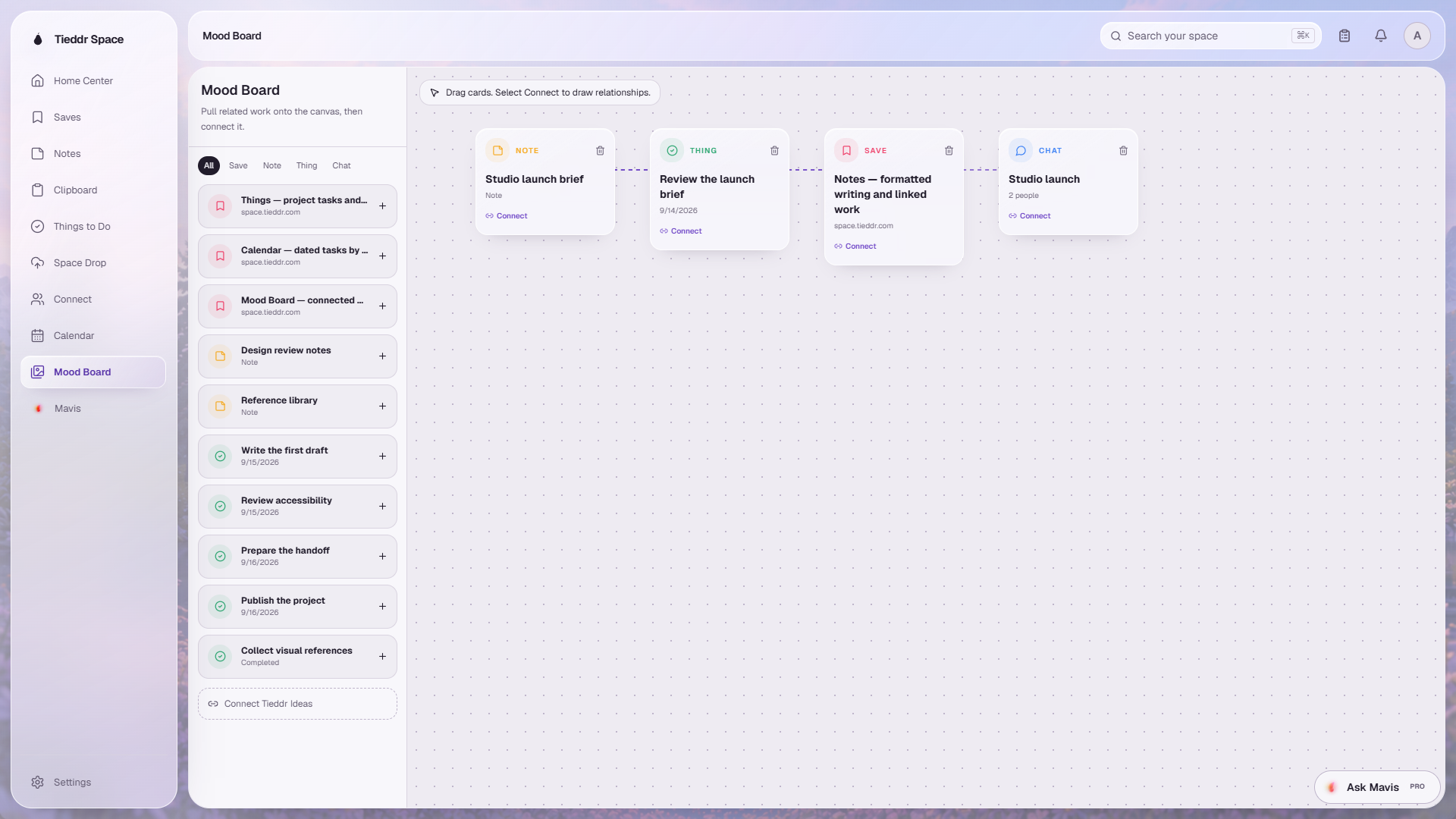
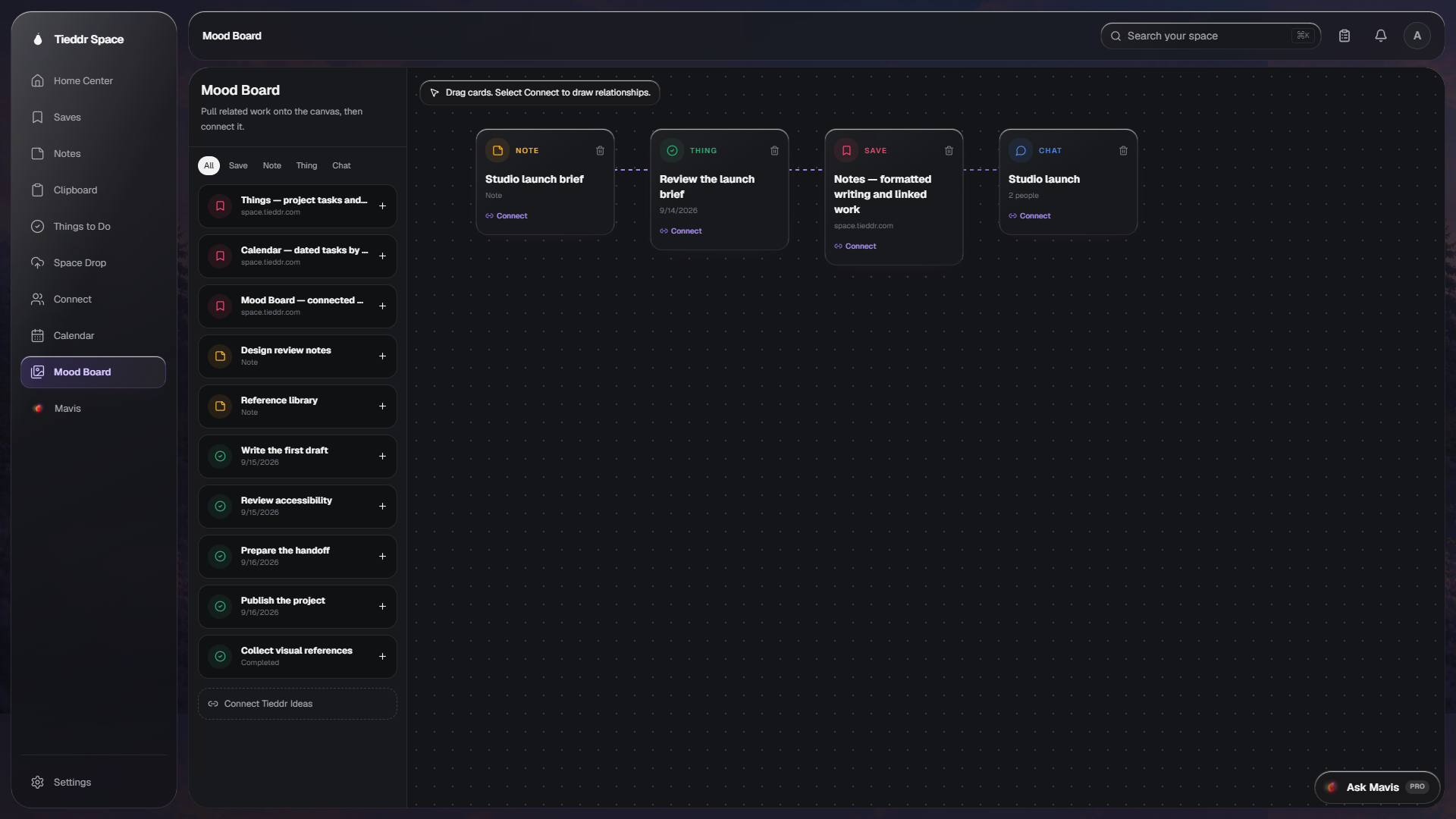
Place notes, Saves, tasks, and conversations on a canvas and draw relationships between them.
Explore Mood BoardMove copied content, files, and conversations through the same Space account.
Retrieve copied content in supported apps and pin items that should not expire.
Exchange messages and supported attachments with Tieddr connections.
Send a file or link to yourself or a connection without creating a conversation.
Search workspace content, summarize notes, and request supported changes. Review AI output before relying on it.
Link a Note to a Save or task, view dated tasks in Calendar, and place supported items on a Mood Board. Open a walkthrough above for details and current limitations.