Add items from Space
Choose supported items from the library and add them to the canvas as nodes.
Mood Board in Tieddr Space
Place notes, Saves, tasks, and conversations on a canvas and draw relationships between them.
Open your Space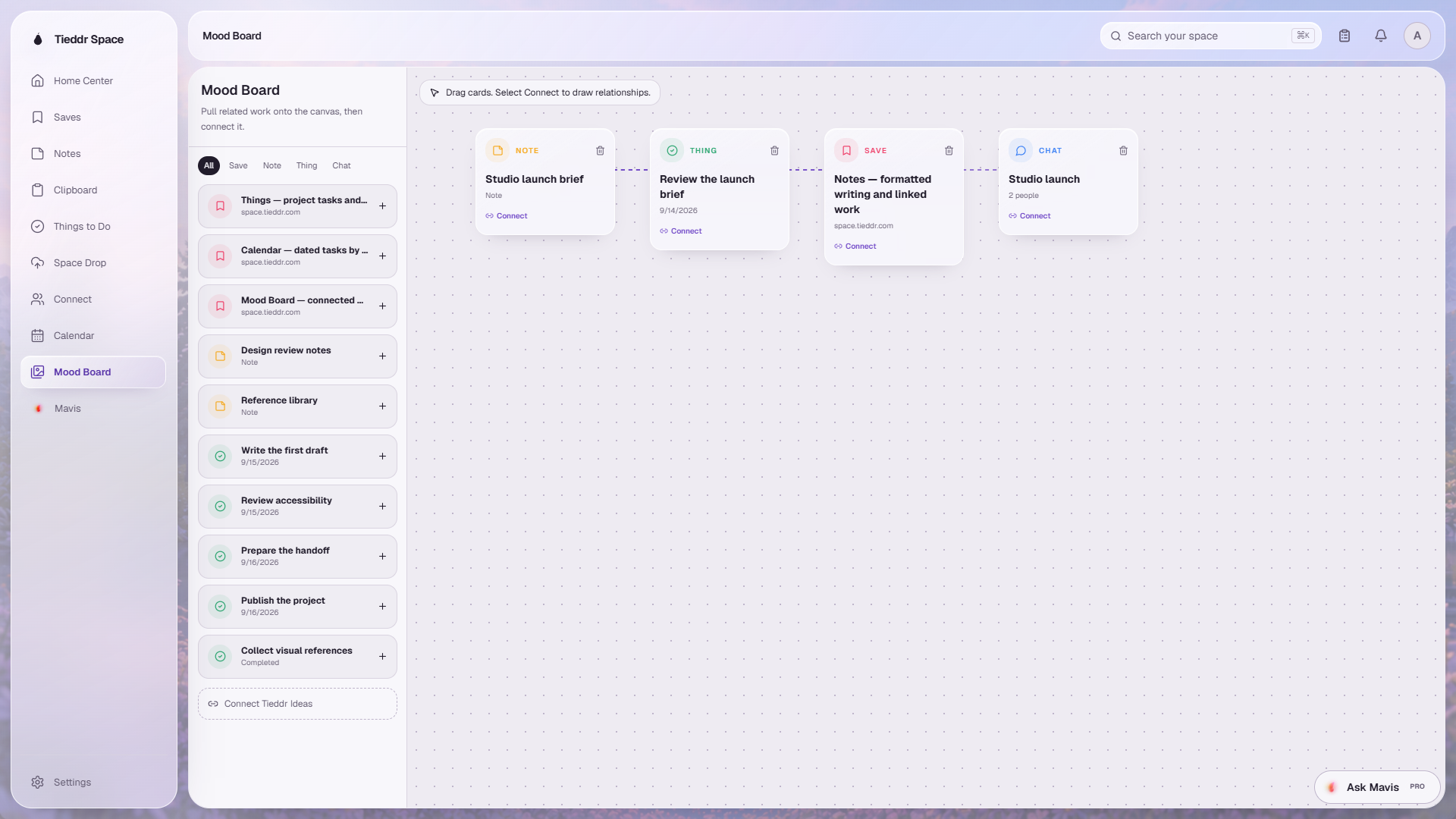
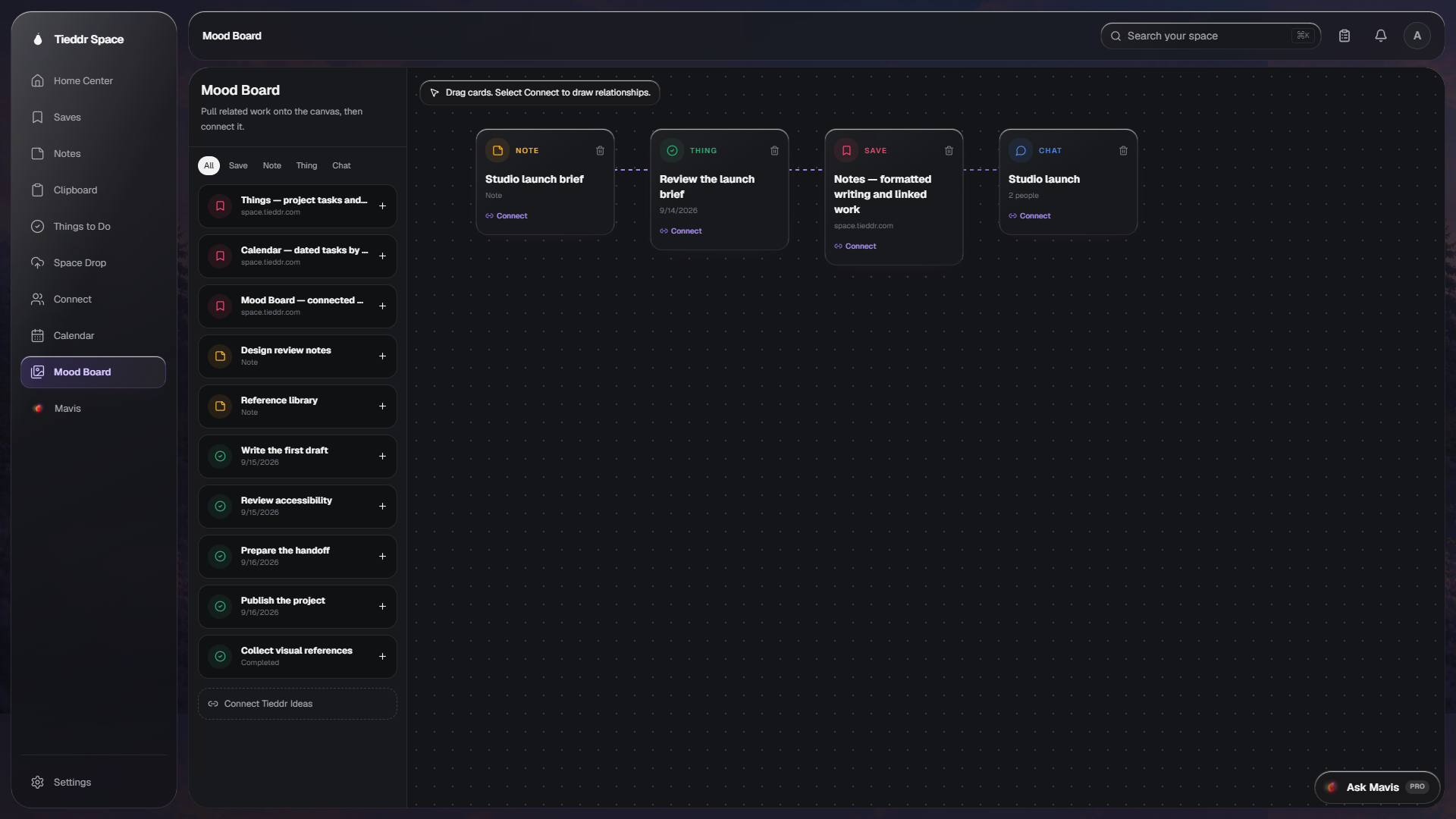
Actual app interface · Sample workspace · Select the image to inspect it full-size
Choose supported items from the library and add them to the canvas as nodes.
Drag nodes to group items by topic, project, or direction.
Select Connect on two nodes to draw a visible relationship between them.
Not yet. The current canvas layout is stored in this browser. Linked items come from your Space, but the board layout itself is not cloud-synced collaboration.